

01
Office occupancy review
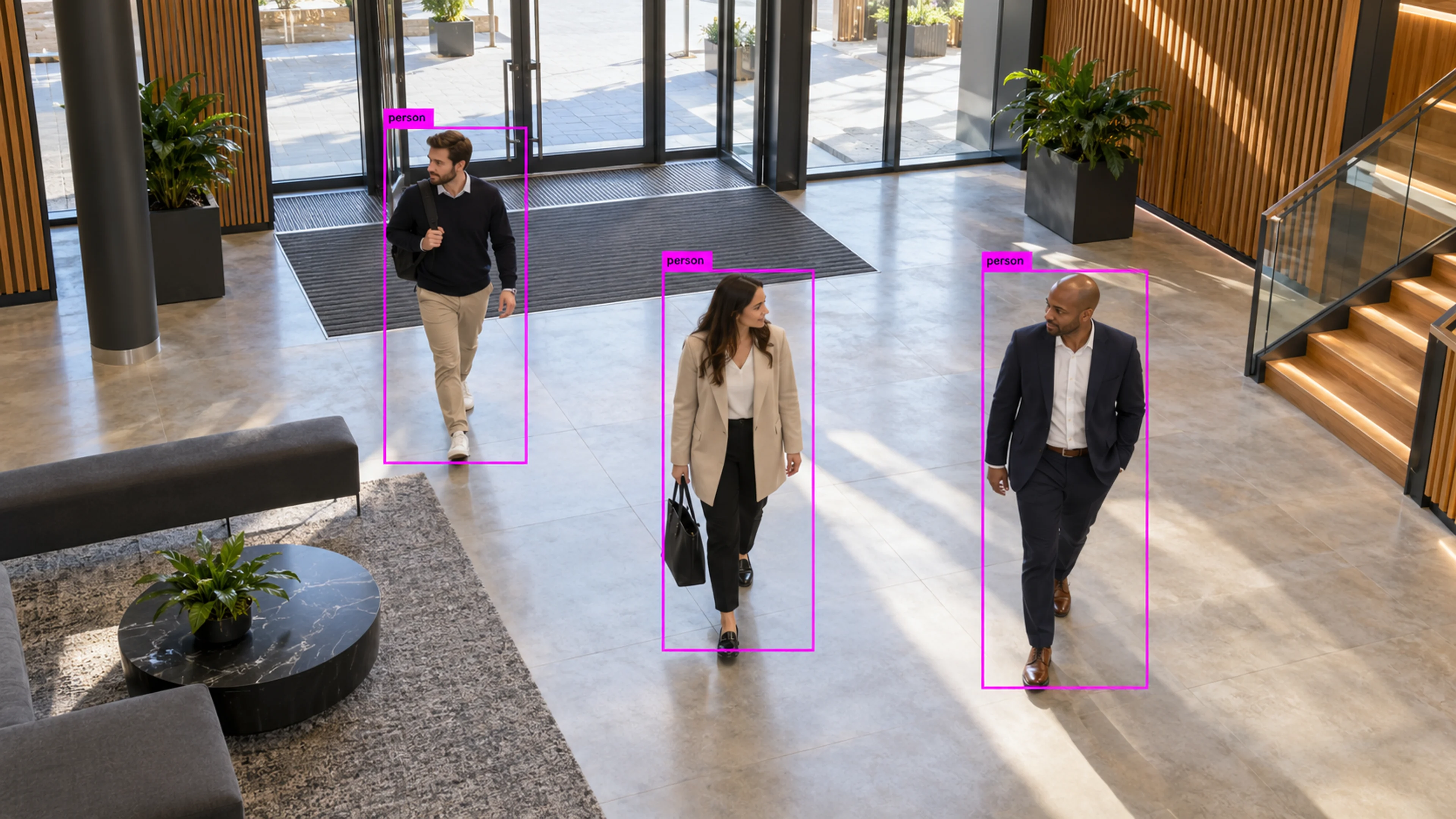
Floor occupancy by hour over a month shows one floor rarely above half capacity. Desk allocation is consolidated and the trend is measured afterwards.
Capability
Understand occupancy, queues, dwell time, crowd activity, movement patterns, and space utilization.
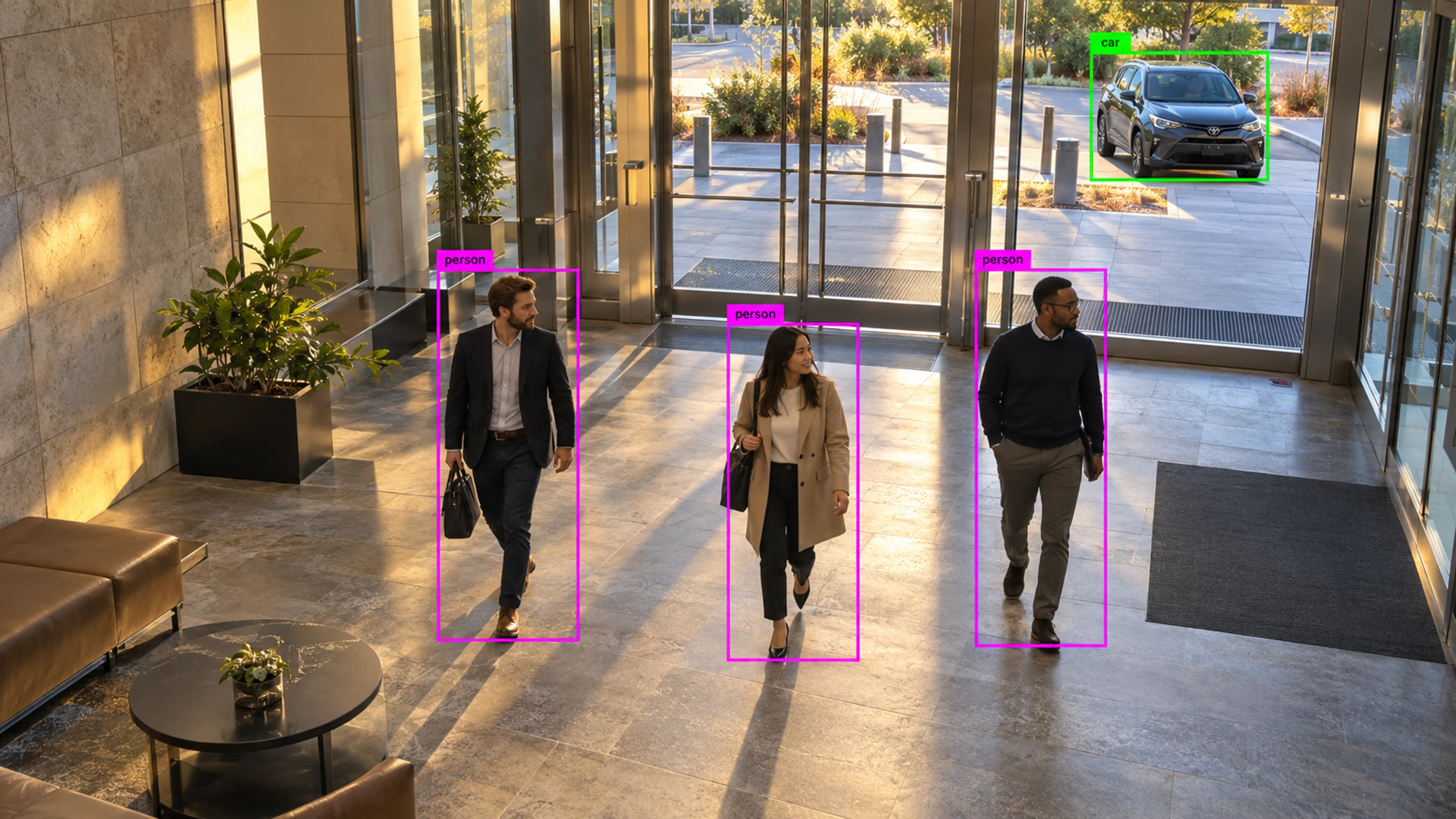
Occupancy Analytics
Illustrative environment · Offices & buildings
Overview
Occupancy Analytics measures how spaces are actually used: how many people are in an area, how long they stay, where queues form and how flow changes through the day. It is built from the same detection and tracking that powers alerts, so no extra sensors are needed.
Facilities, retail and operations teams use it to plan staffing, adjust layouts, manage capacity limits and understand which spaces are over- or under-used.
Space planning works better with a count than with a guess.
What it does
Each part is configured around your cameras, zones and schedules — the same system, set up for the way your site runs.
Live and historical counts by zone and by site, with thresholds that raise an alert when a capacity limit is reached.
Queue length and wait time at checkouts, reception desks, gates and service points, with alerts when a threshold is crossed.
Time spent in zones such as displays, waiting areas and work cells, to understand engagement and bottlenecks.
Utilisation of meeting rooms, floors and shared areas over time, for planning and for measuring the effect of changes.
In practice
Floor occupancy by hour over a month shows one floor rarely above half capacity. Desk allocation is consolidated and the trend is measured afterwards.
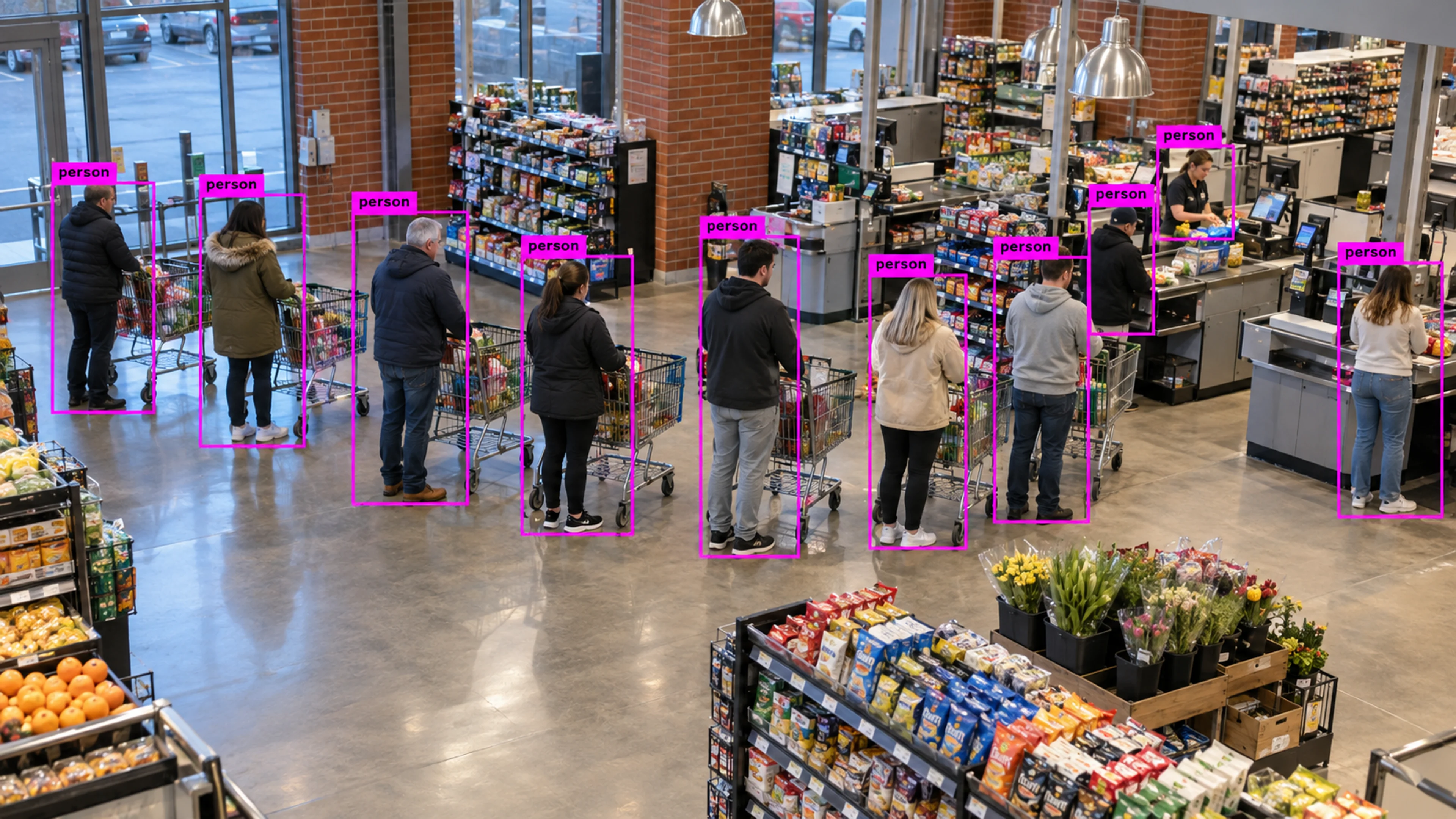
A checkout queue exceeds the threshold in the early evening. The alert prompts an extra till to open, and queue time is tracked in the weekly report.
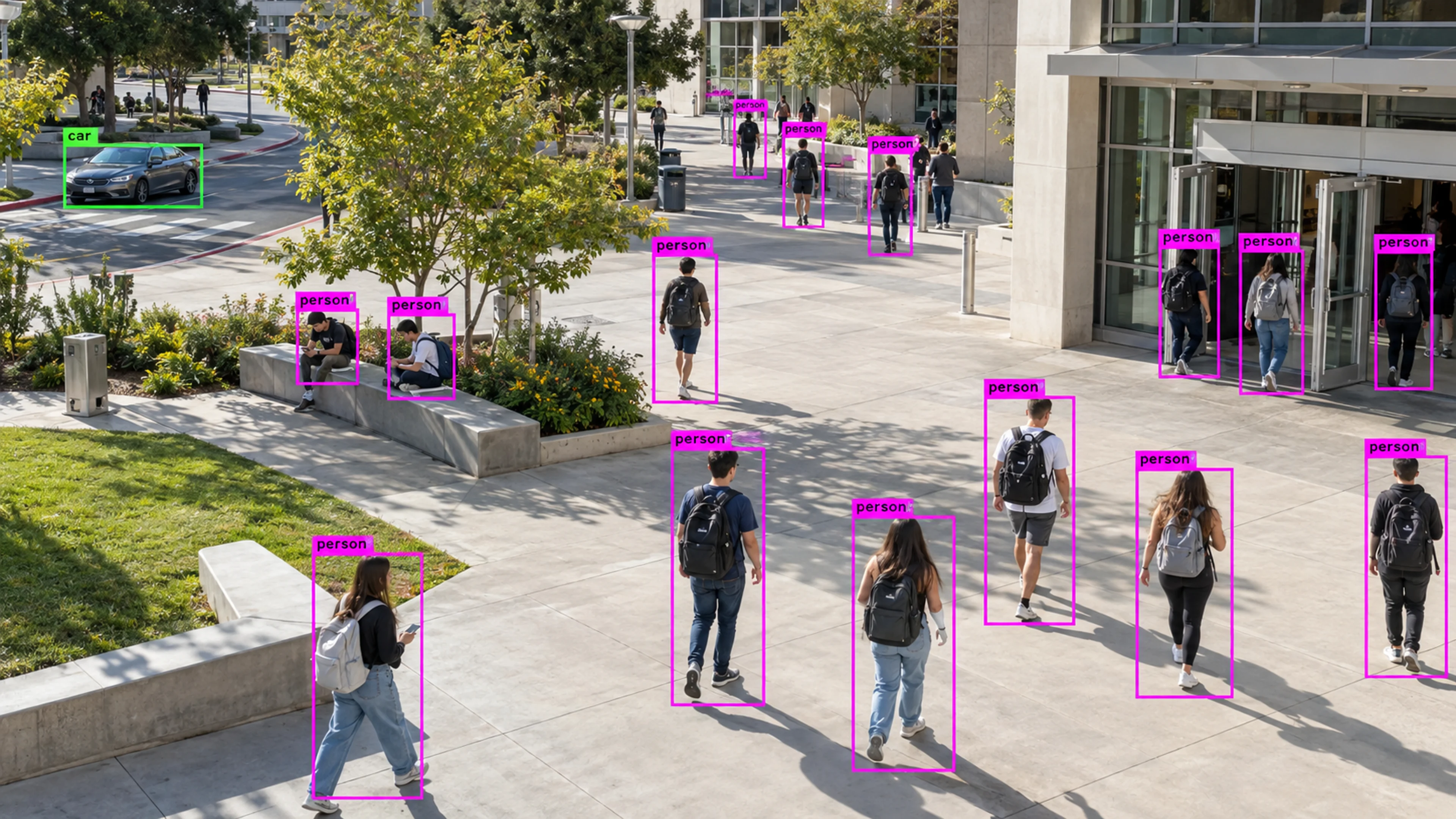
A campus common area approaches its configured capacity during an event. Facilities staff are notified and manage entry before the limit is reached.
Questions
Straight answers about how this is configured, what it needs and what it does not do.
Next step
Tell us about your sites and what you need to catch. We will walk through a setup that fits the way your operation runs.