

01
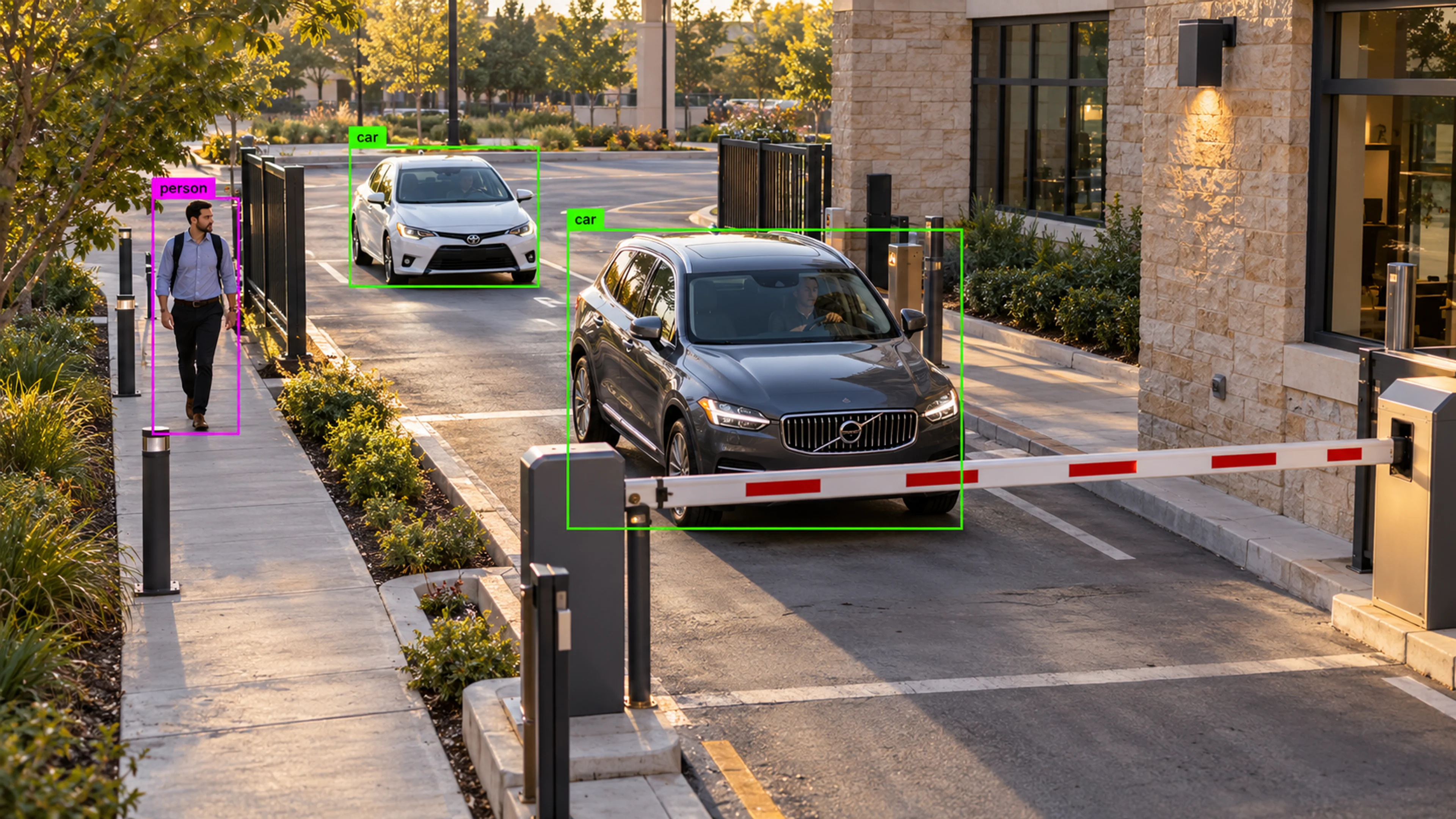
A vehicle approaches a controlled gate
The vehicle is detected at the perimeter camera, tracked to the barrier and logged with its direction and dwell time. If it waits beyond the configured limit, a queue alert is raised.
Platform
Spot people, vehicles, and important activity as it happens — and follow movement through the areas you care about.
Detection and Tracking
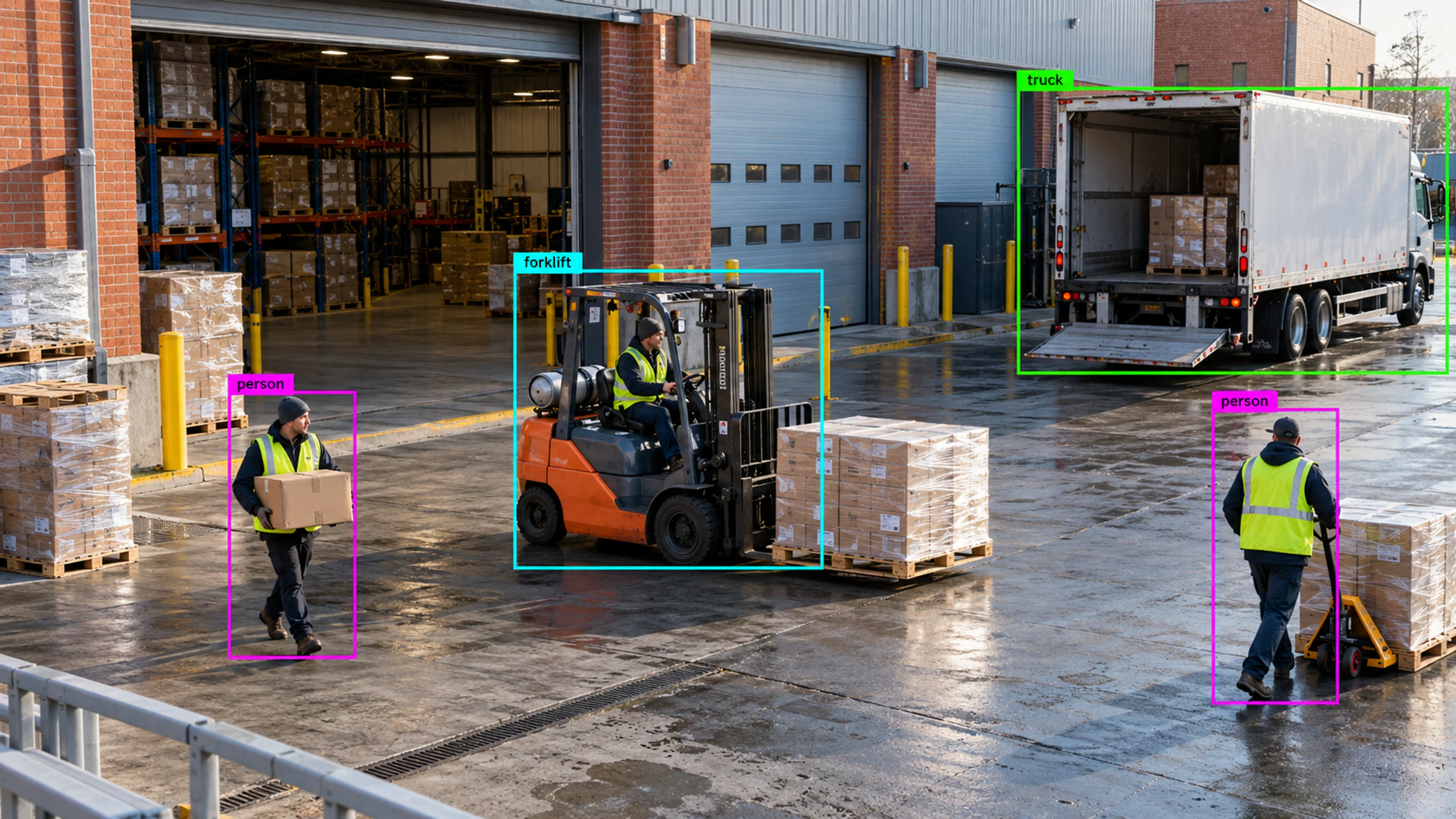
Illustrative environment · Warehousing & logistics
Overview
Detection and Tracking is the engine underneath everything else in Visrax. It identifies people, vehicles and equipment in each camera view, then follows them as they move — through a doorway, along an aisle, across a yard — so events are described as movement, not just as a frame.
Detection is configured per camera and per zone. You decide which object classes matter in which areas, so a forklift in a loading bay is routine while a forklift in a pedestrian walkway is an event.
Detection answers “what is there?”. Tracking answers “where did it go?”. Visrax needs both to turn footage into something a team can act on.
What it does
Each part is configured around your cameras, zones and schedules — the same system, set up for the way your site runs.
Core object classes cover people, cars, vans, trucks, forklifts and common site equipment, configurable per camera so detection matches the environment.
Tracked objects keep their identity across frames, producing a path with direction and dwell time that can be reviewed alongside the clip.
Draw zones and crossing lines directly on the camera view. Entries, exits and crossings become countable, rule-ready events.
Combine class, zone, direction, time window and duration into rules — for example, a person inside a hazard zone for longer than ten seconds during a shift.
In practice
The vehicle is detected at the perimeter camera, tracked to the barrier and logged with its direction and dwell time. If it waits beyond the configured limit, a queue alert is raised.
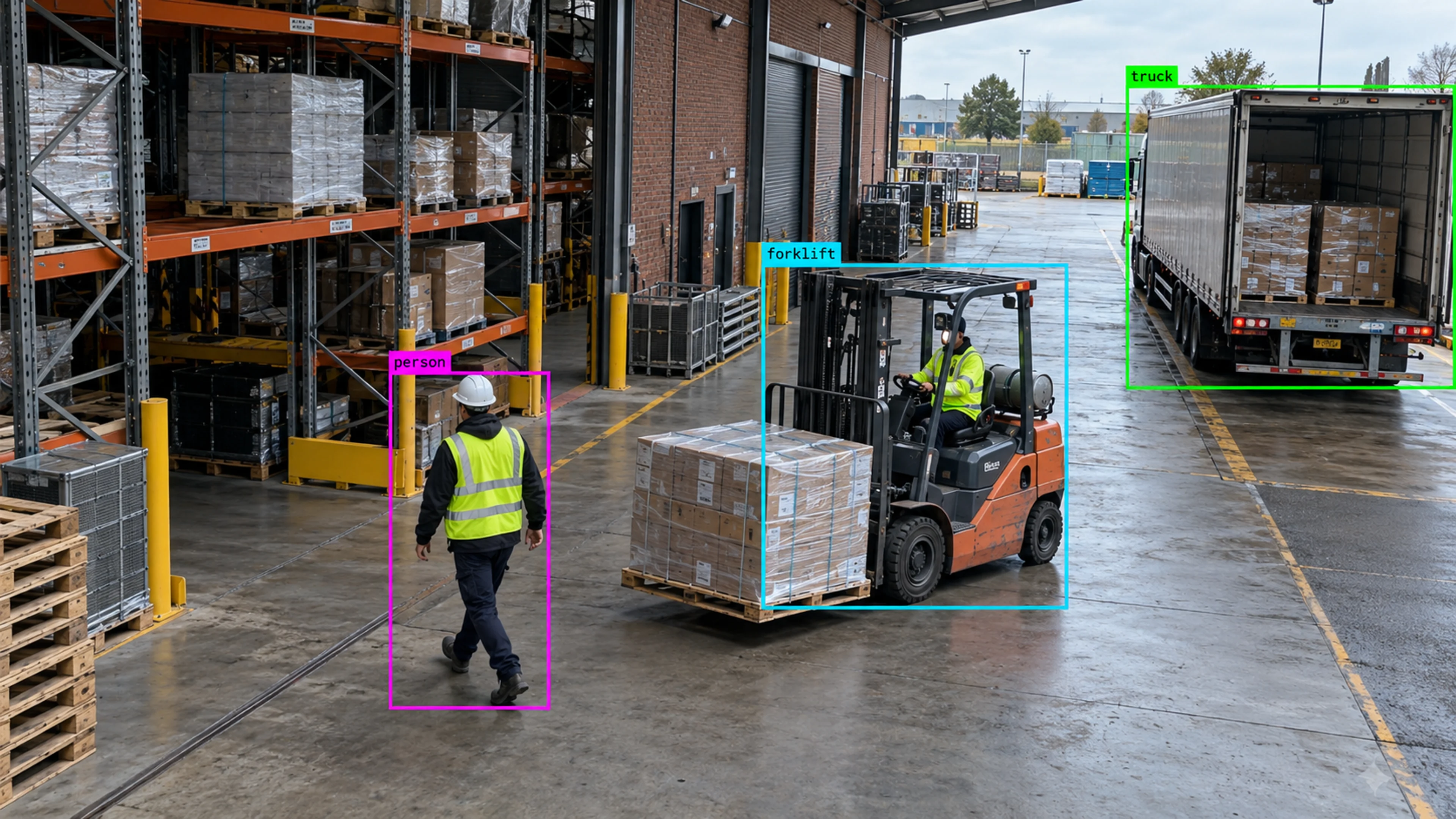
The crossing line on the aisle camera registers an inward crossing. Because the zone is marked restricted during production hours, an alert is created with the track and clip attached.
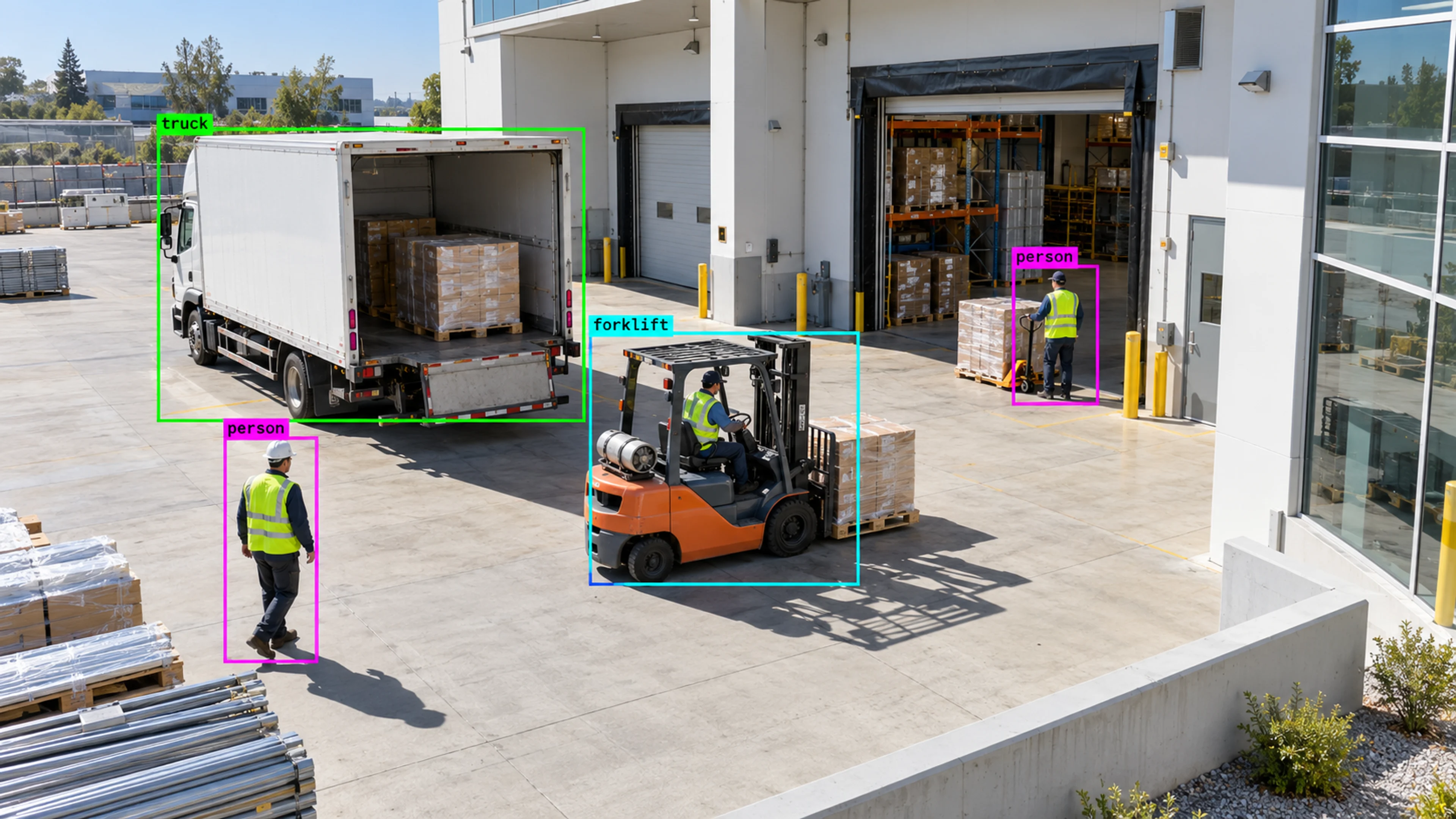
A tracked path from the yard camera continues on the dock camera, giving the reviewer a continuous picture of where equipment travelled and how long it stayed.
Questions
Straight answers about how this is configured, what it needs and what it does not do.
Next step
Tell us about your sites and what you need to catch. We will walk through a setup that fits the way your operation runs.