

01
Planning staffing around peak occupancy
Occupancy by hour for a retail entrance shows a consistent mid-afternoon peak. Staffing and queue thresholds are adjusted, and the following weeks show shorter queue alerts.
Platform
See trends over time — how busy areas get, how many alerts occur, how fast issues are closed, and how sites compare.
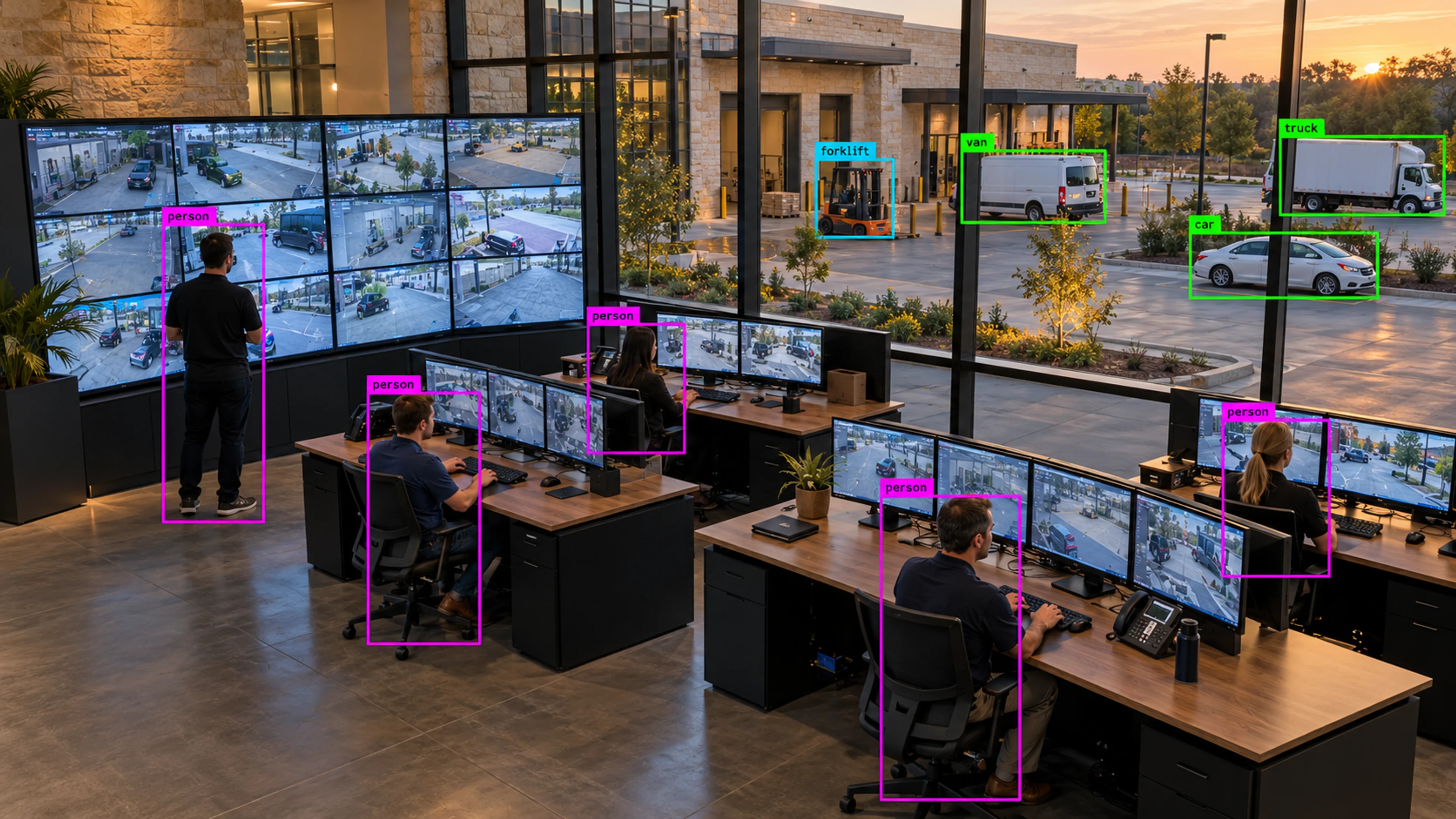
Analytics
Illustrative environment · Multi-site operations
Overview
Analytics turns the stream of events and incidents into trends your team can plan around: which areas are busiest and when, how alert volume is changing, how quickly issues are being closed, and how sites compare with each other.
The views are built for operational meetings, not data science. A facilities lead can see occupancy by hour, a safety manager can see incidents by zone, and an operations director can compare locations — each without leaving the platform.
Live monitoring is about today. Analytics is about the pattern behind today — the hours, zones and sites that keep producing the same events.
What it does
Each part is configured around your cameras, zones and schedules — the same system, set up for the way your site runs.
Detections, alerts and incidents charted by hour, day and week, filterable by site, zone and type to isolate what is changing.
Occupancy, queue length and dwell time by area, so space use and peak periods are measured rather than estimated.
Time from alert to acknowledgement and from open to closed, by team and severity, to show where the workflow is working and where it stalls.
Download views as PDF or CSV, or schedule reports to arrive before a weekly operations or safety meeting.
In practice
Occupancy by hour for a retail entrance shows a consistent mid-afternoon peak. Staffing and queue thresholds are adjusted, and the following weeks show shorter queue alerts.
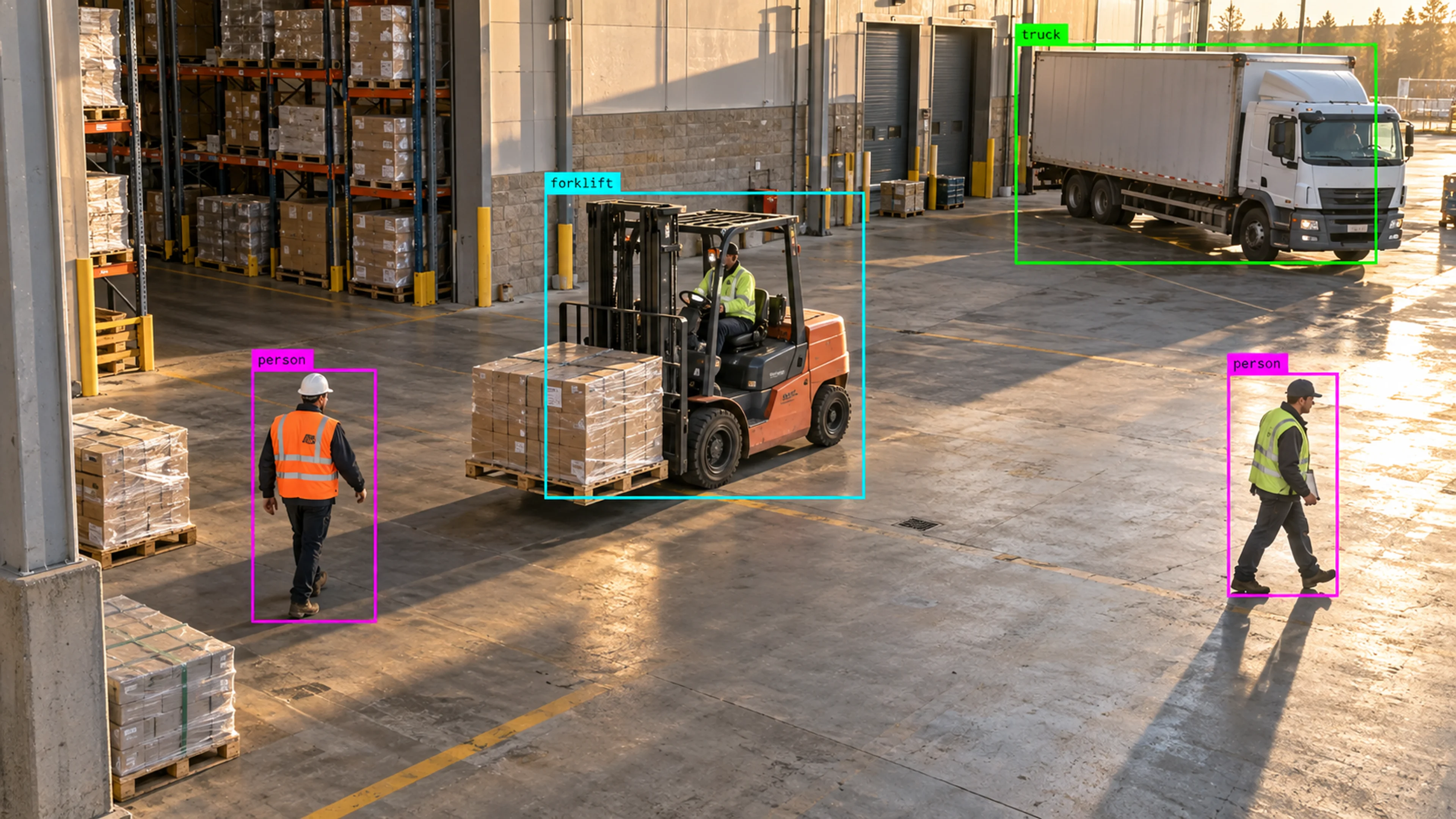
Incident counts by zone put one forklift crossing far ahead of the rest. A layout change and a new rule window follow, and the trend is tracked in the same view.
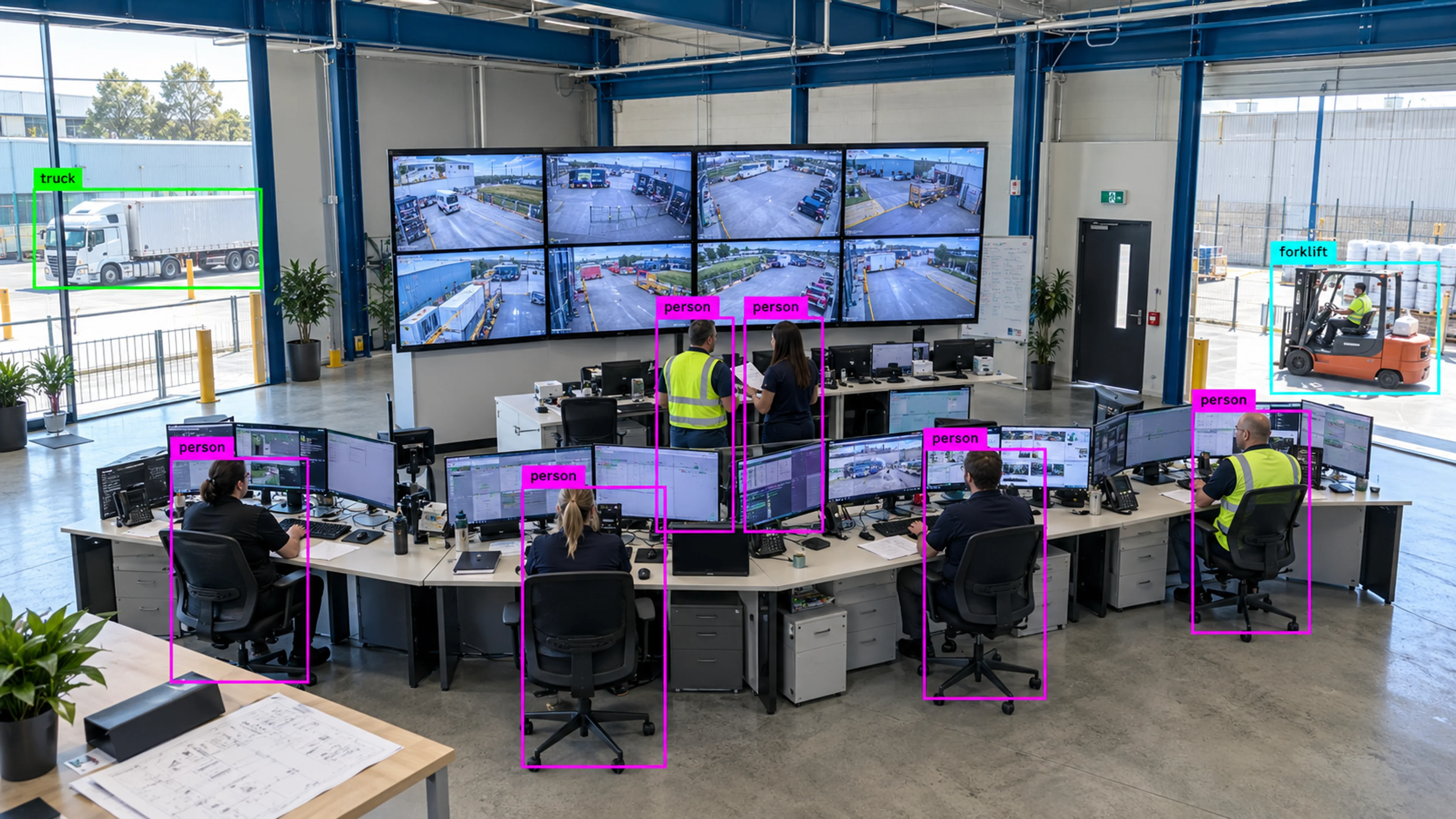
Alert volume, closure time and camera availability are compared across sites. The comparison is exported as a PDF for the regional operations meeting.
Questions
Straight answers about how this is configured, what it needs and what it does not do.
Next step
Tell us about your sites and what you need to catch. We will walk through a setup that fits the way your operation runs.