

01
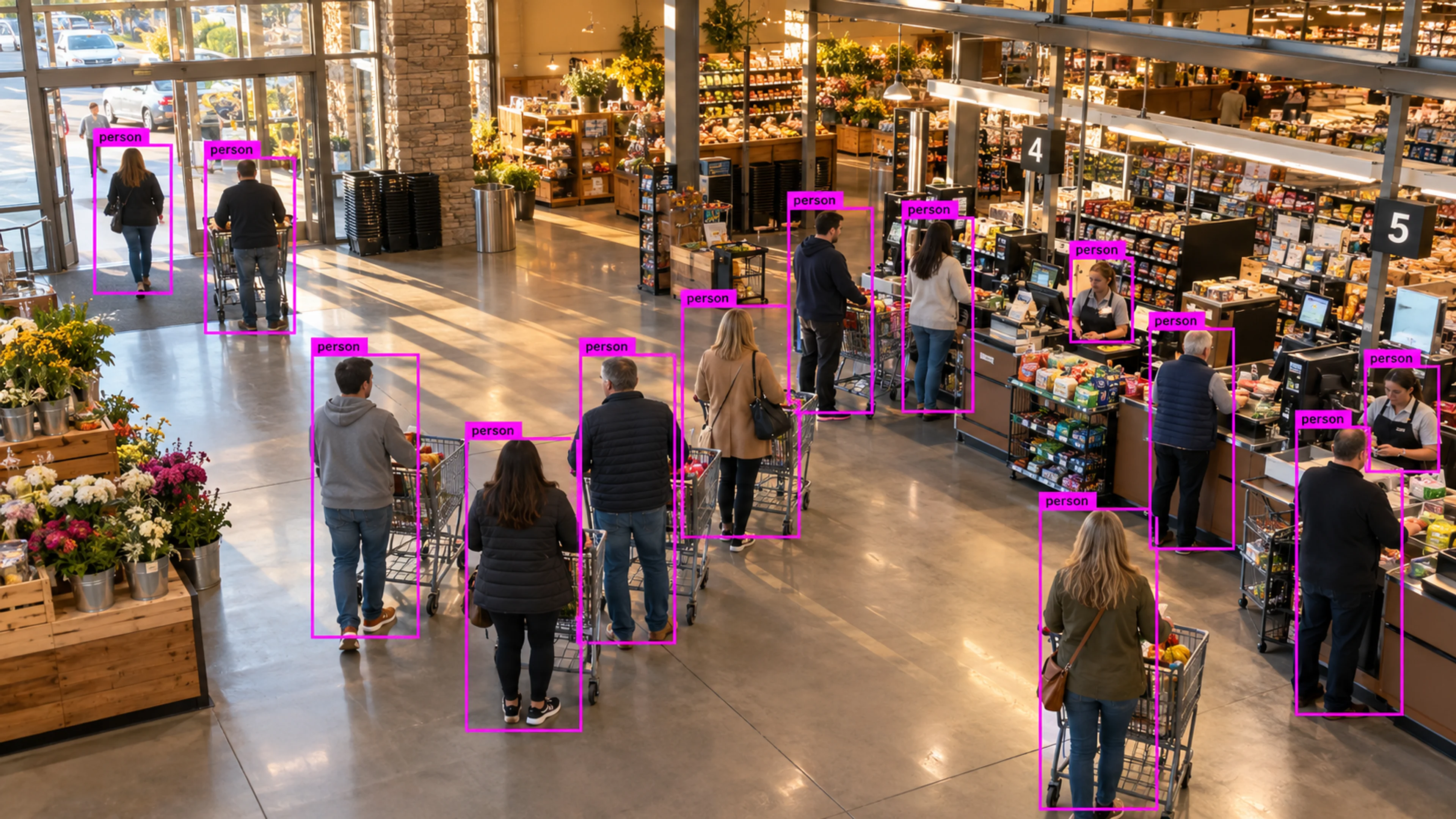
Checkout queue build-up
A queue crosses the threshold during the evening peak. The alert prompts an extra till to open, and queue time is reported in the weekly store review.
Industry
Understand queues, movement, occupancy, dwell time, restricted areas, and site operations.
Retail and Shopping Centers
Illustrative environment · Retail operations
Overview
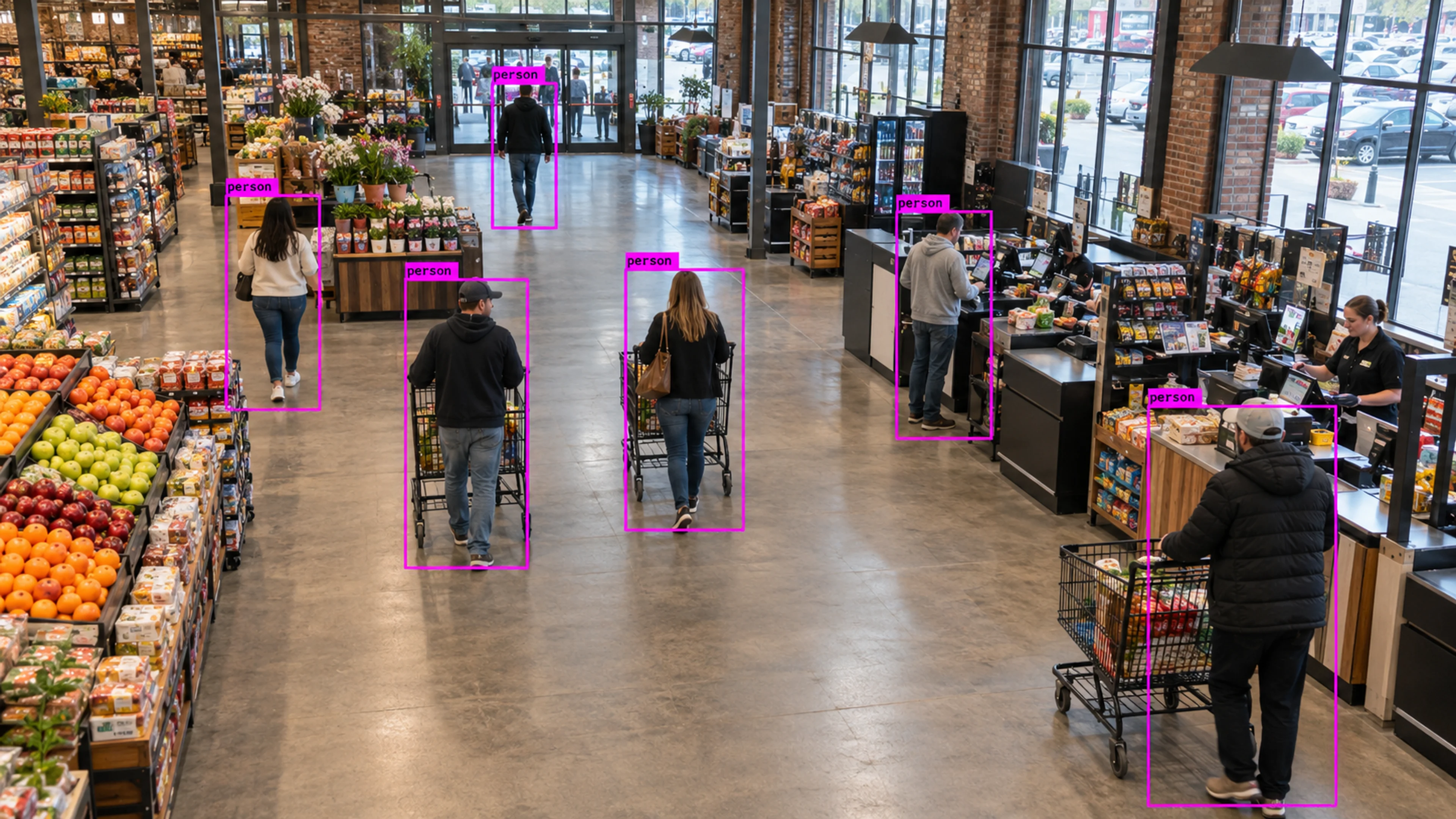
Retail stores and shopping centres already have extensive camera coverage. Visrax uses it to measure queues, occupancy and dwell, and to raise alerts for restricted-area entries and after-hours movement, giving store operations and security teams usable information rather than more footage.
The same configuration can be rolled out across many stores, with reports that compare locations on queue time, footfall and incident volume.
Footfall is only useful when you know where people waited, where they stopped and when the queue got too long.
What it does
Each part is configured around your cameras, zones and schedules — the same system, set up for the way your site runs.
Queue length and wait time at tills and service counters, with alerts to open additional points before customers leave.
Time spent at displays, aisles and promotional areas to understand engagement and layout performance.
Store and zone occupancy by hour and day, for staffing and for capacity management during events.
Stockroom, cash office and back-of-house zones monitored for entry outside expected patterns.
In practice
A queue crosses the threshold during the evening peak. The alert prompts an extra till to open, and queue time is reported in the weekly store review.
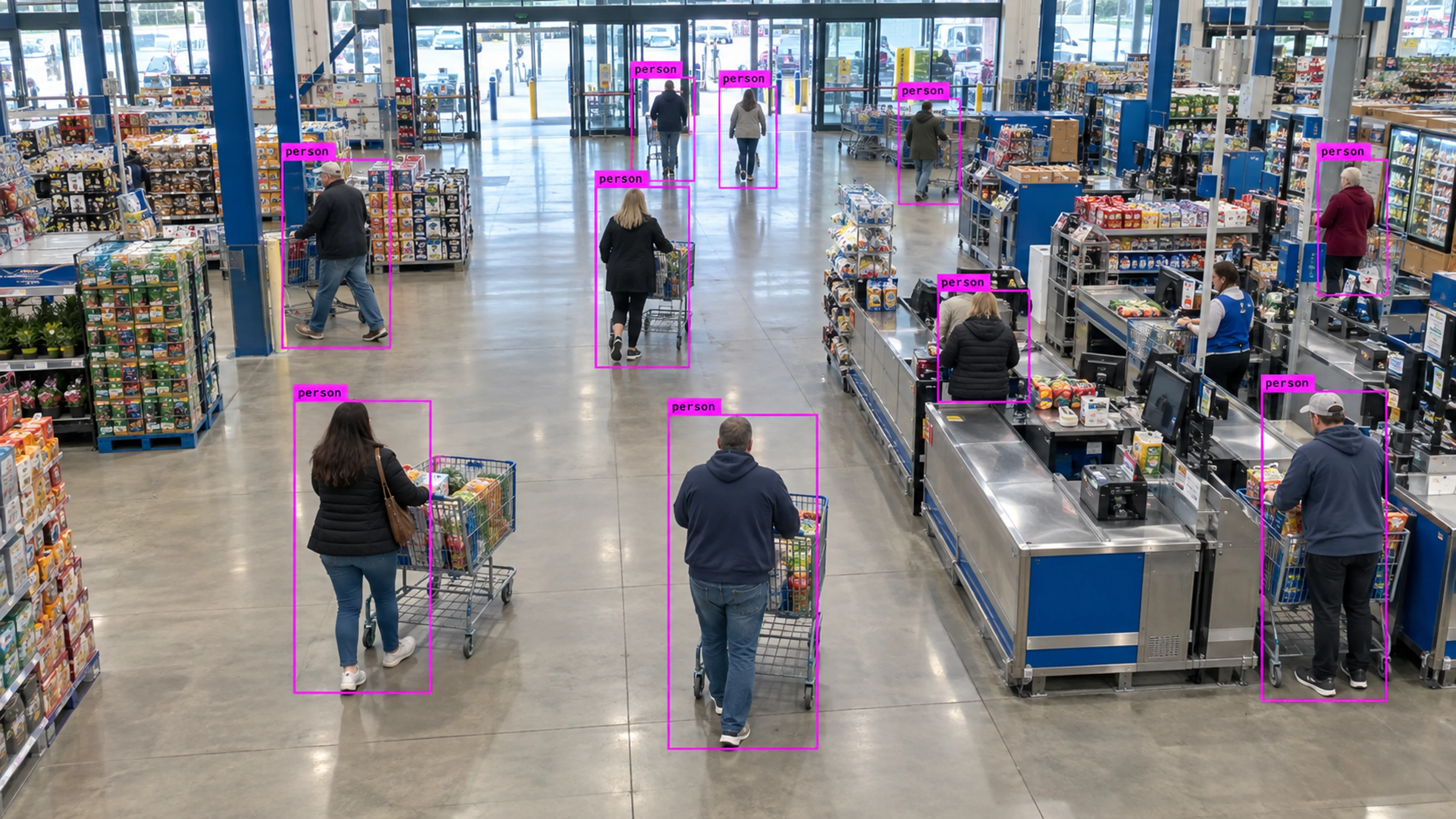
Footfall by hour across stores shows one location with a later peak. Staffing shifts are adjusted and the change is measured in the following weeks.
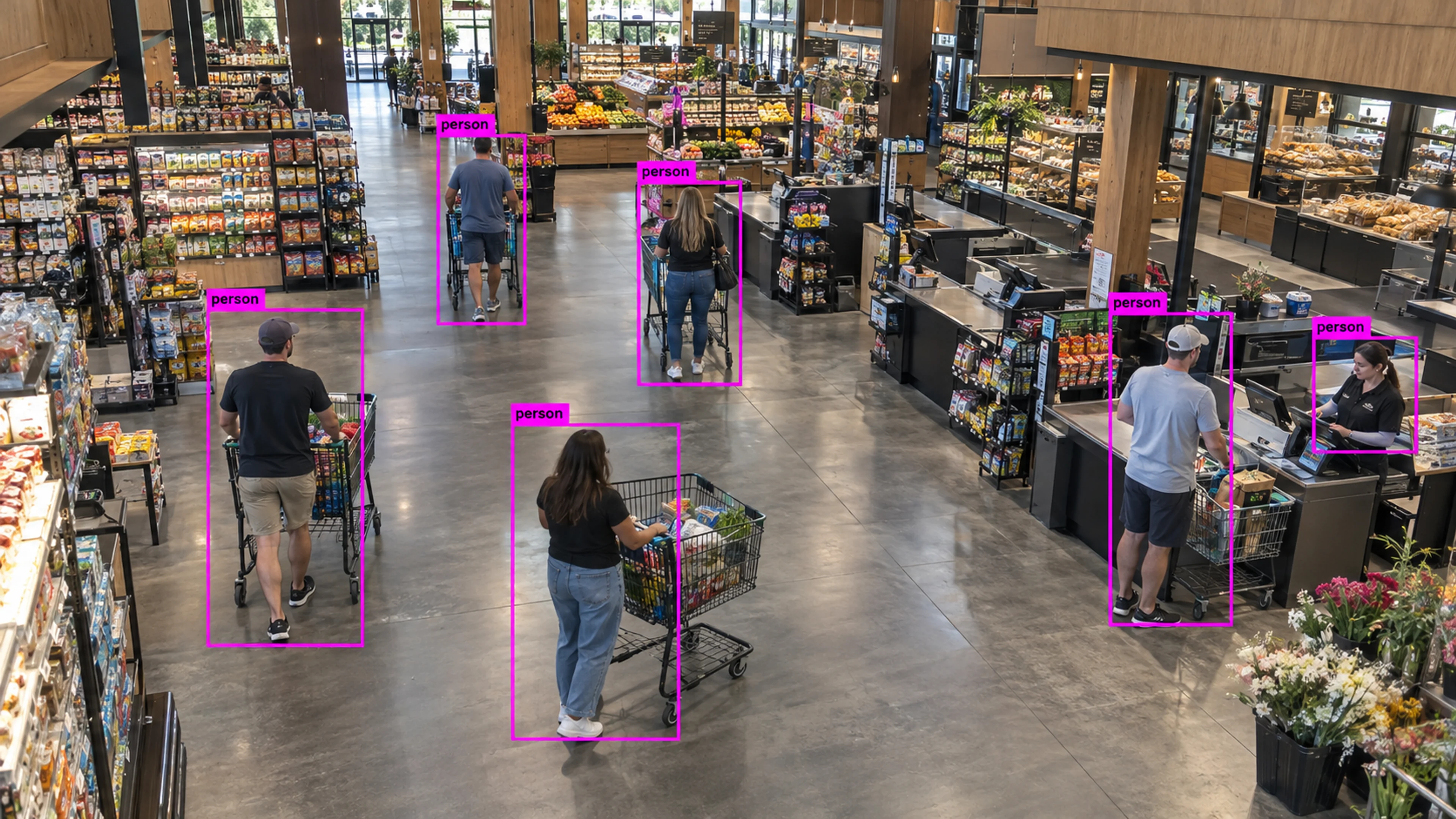
A stockroom zone registers an entry after close. The on-call manager reviews the clip, confirms the cleaning contractor and closes the incident.
Questions
Straight answers about how this is configured, what it needs and what it does not do.
Next step
Tell us about your sites and what you need to catch. We will walk through a setup that fits the way your operation runs.