

01
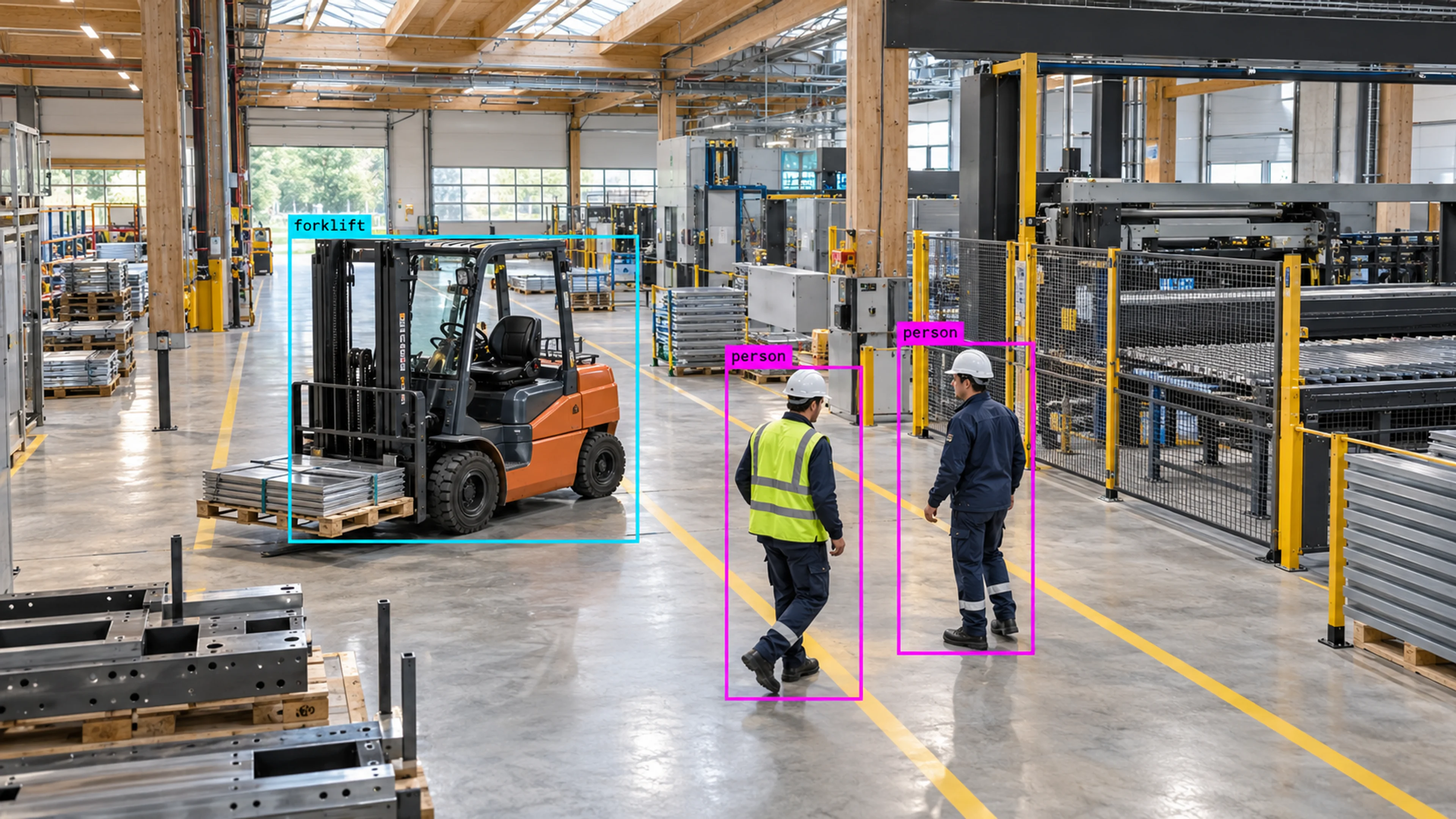
A safety-zone entry during a running shift
The alert is raised as high severity and assigned to the floor supervisor. They review the clip, confirm the person has left the zone and close the case with a note — all inside the incident.
Platform
When something important happens, Visrax creates a clear alert with evidence, priority, ownership, and a full history your team can review.
Alerts and Incidents
Illustrative environment · Multi-site operations
Overview
A detection on its own is just data. Alerts and Incidents is where Visrax turns a matching event into something with a priority, an owner and an outcome. Every alert carries the camera, zone, time, triggering frame and clip so the reviewer never has to go looking for context.
Incidents group related alerts into a case that can be assigned, commented on, escalated and closed. The full history stays attached, which is what makes the record useful for safety reviews, audits and lessons learned.
An alert tells you something happened. An incident makes sure someone owned it, acted on it and closed it with evidence.
What it does
Each part is configured around your cameras, zones and schedules — the same system, set up for the way your site runs.
Alerts fire from the rules you configure — zone entries, line crossings, dwell time, missing PPE, after-hours movement — with severity set per rule.
The triggering frame, a short clip and the movement path are stored with every alert, so review happens from the record rather than from a search in the archive.
Each incident has a severity, an assignee and a status from open to closed. Escalation paths route high-severity events to the right people without manual forwarding.
Every assignment, comment and status change is logged. Incident history feeds the analytics views, so recurring issues are visible by site, zone and time.
In practice
The alert is raised as high severity and assigned to the floor supervisor. They review the clip, confirm the person has left the zone and close the case with a note — all inside the incident.
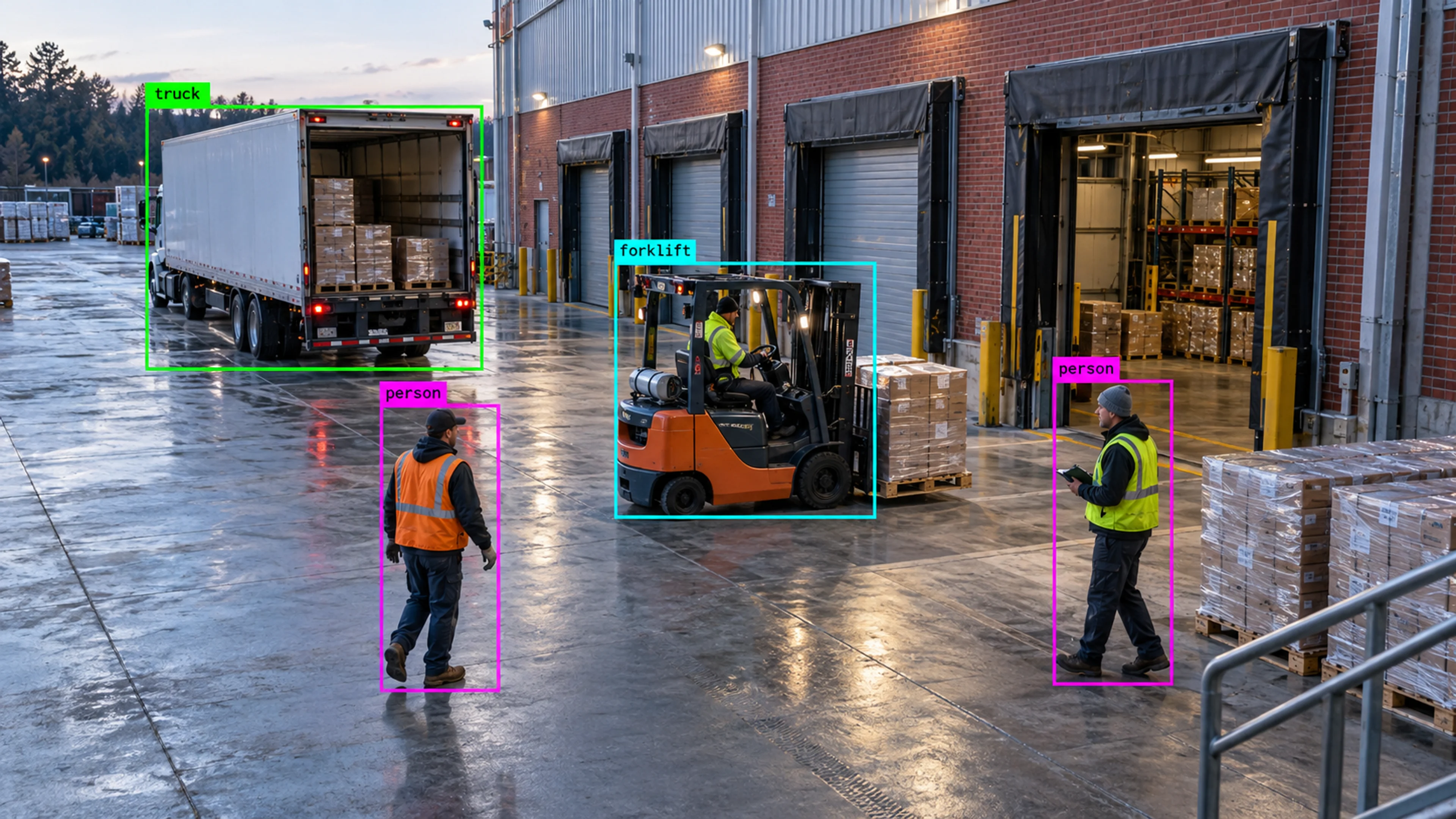
A low-confidence overnight alert is reviewed the next morning. It turns out to be a contractor, so the incident is closed as expected activity and the rule window is adjusted.
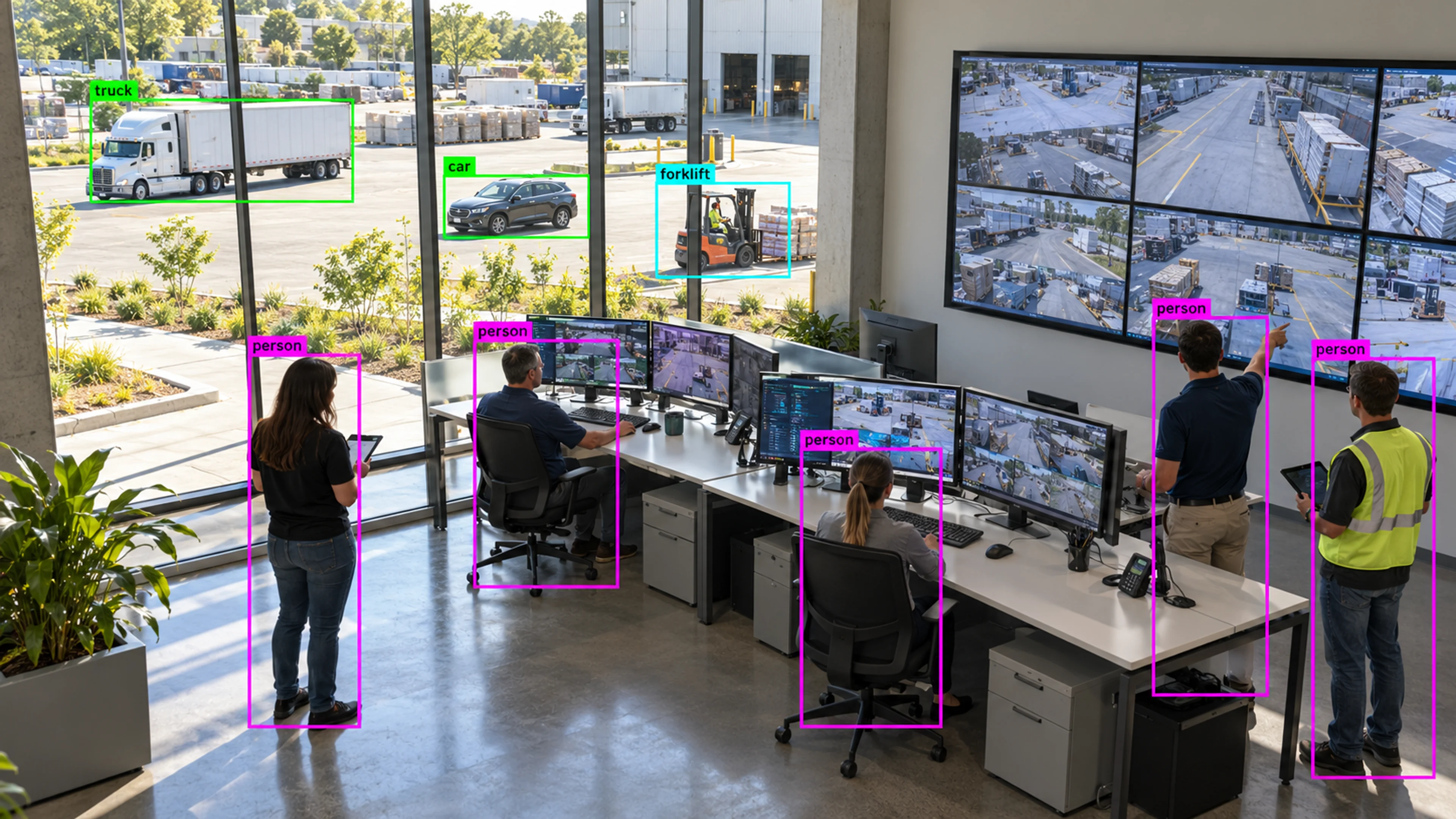
Closed incidents from the week are grouped by zone and type. Two zones account for most events, which becomes the agenda for the next toolbox talk.
Questions
Straight answers about how this is configured, what it needs and what it does not do.
Next step
Tell us about your sites and what you need to catch. We will walk through a setup that fits the way your operation runs.