

01
Worker movement across a production floor
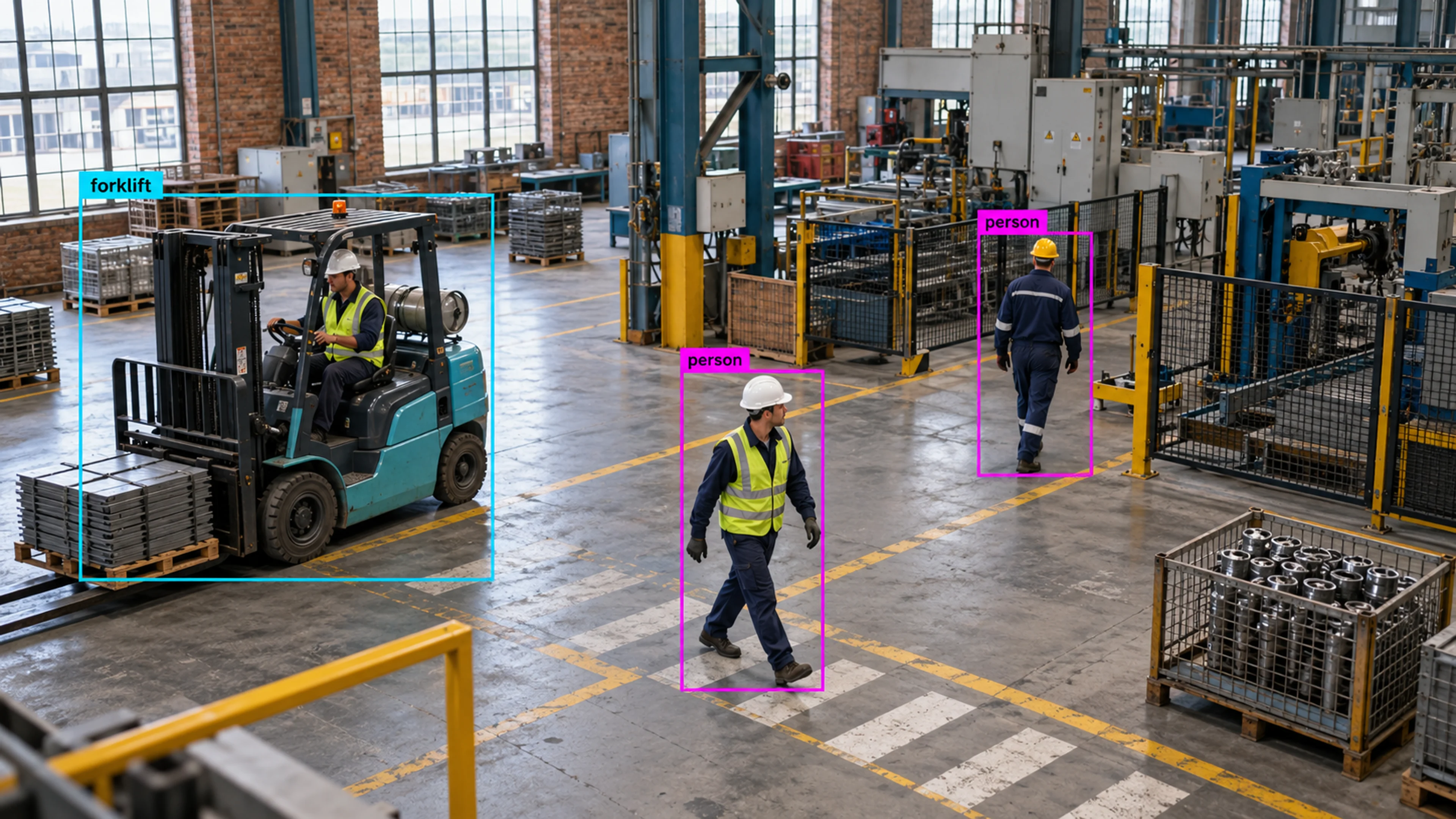
Paths across the floor show a shortcut through a hazard zone being used repeatedly. The route is reviewed and a barrier added, and the path data confirms the change.
Capability
Follow how people, vehicles, and equipment move through your site — from entrance to exit.
Movement Tracking
Illustrative environment · Warehousing & logistics
Overview
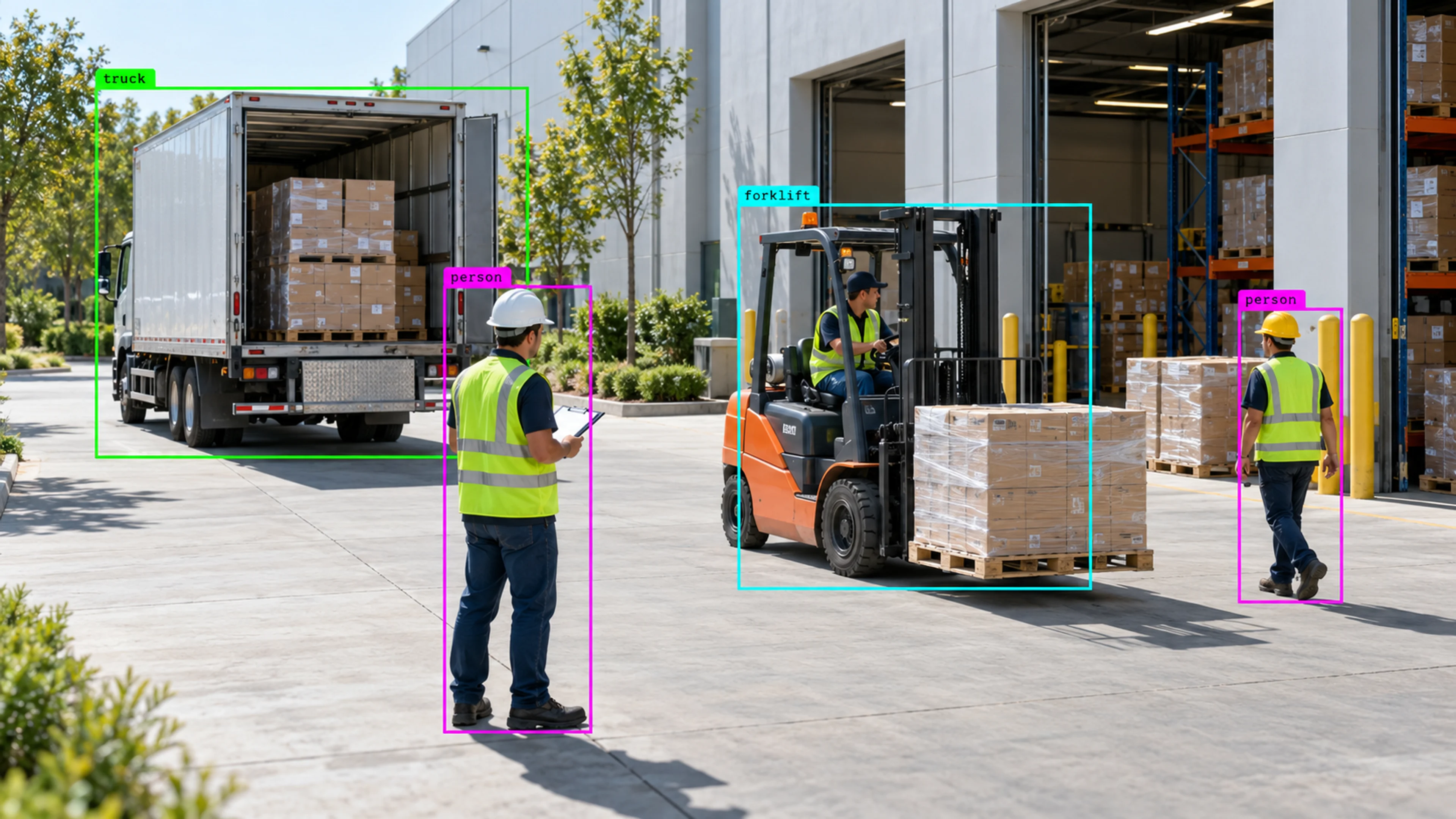
Movement Tracking follows detected people, vehicles and equipment as they move through a camera view, keeping each object’s identity from frame to frame so Visrax can describe a path: where it entered, where it went, how long it stayed and where it left.
Paths are what make behaviour rules possible. Direction of travel, dwell time and zone-to-zone movement are all derived from tracking, which is why it sits behind so many of the alerts teams rely on.
A single frame tells you something is there. A path tells you what it is doing.
What it does
Each part is configured around your cameras, zones and schedules — the same system, set up for the way your site runs.
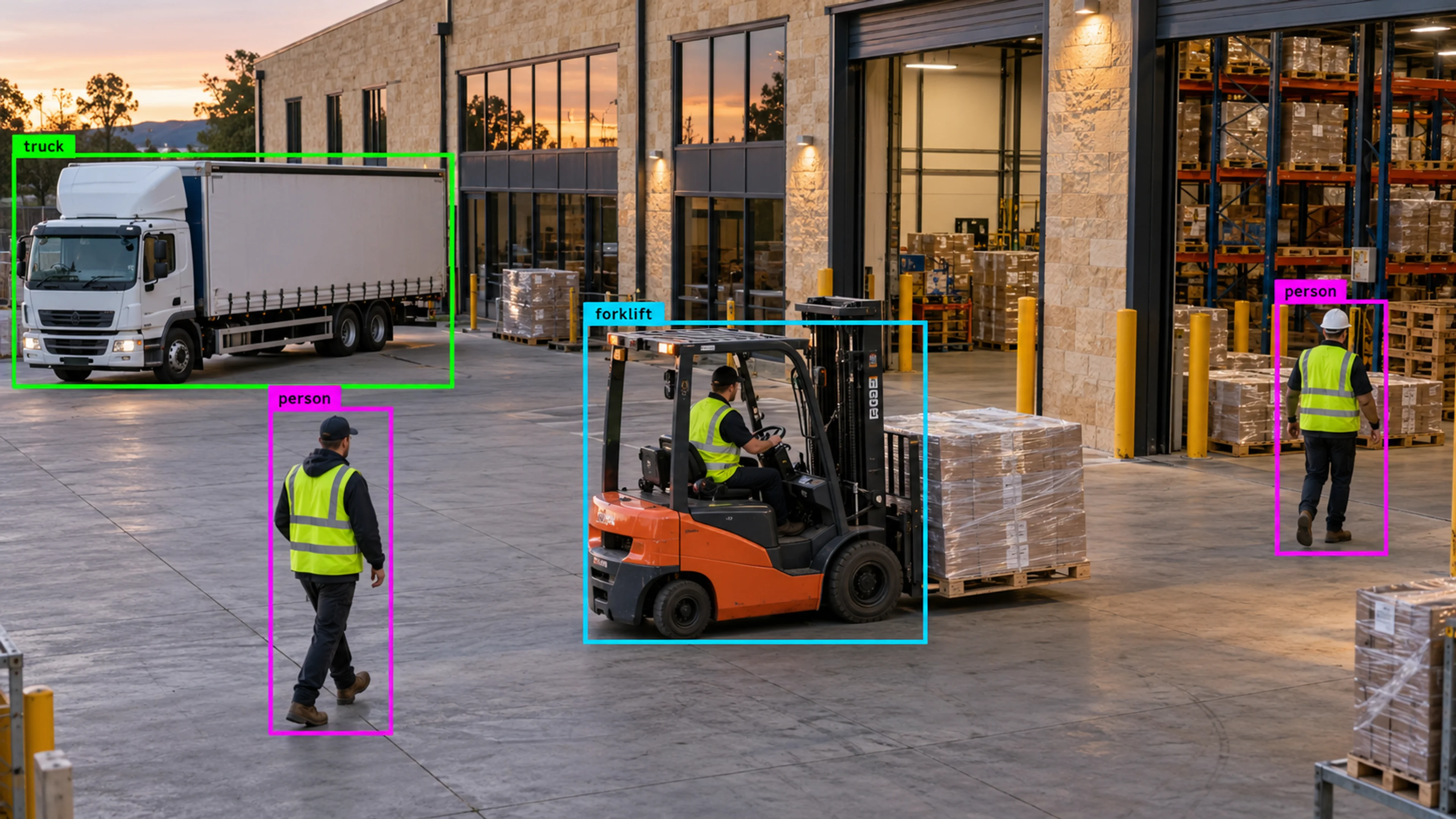
Each tracked object produces a path overlaid on the camera view and stored with any alert it triggers.
Inward and outward crossings are distinguished, so counts and rules can treat an exit differently from an entry.
Time spent in a zone is measured, enabling rules for loitering, queue wait time and equipment left in place.
Movement from one zone to another within a view is recorded, supporting rules such as entering a hazard zone from a walkway.
In practice
Paths across the floor show a shortcut through a hazard zone being used repeatedly. The route is reviewed and a barrier added, and the path data confirms the change.
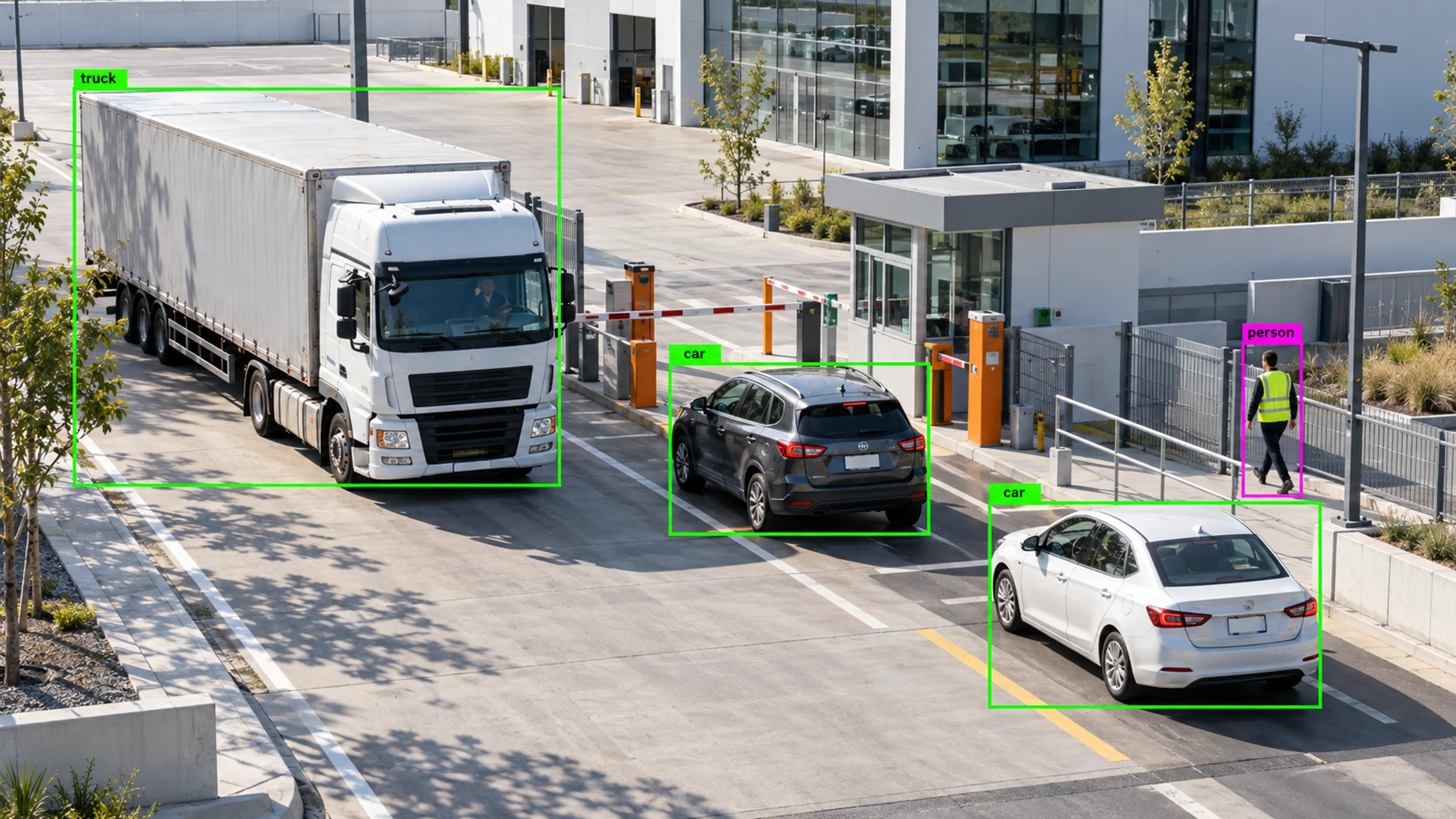
A truck is tracked from the approach lane to the barrier and into the yard. Direction and dwell time feed gate throughput reporting.
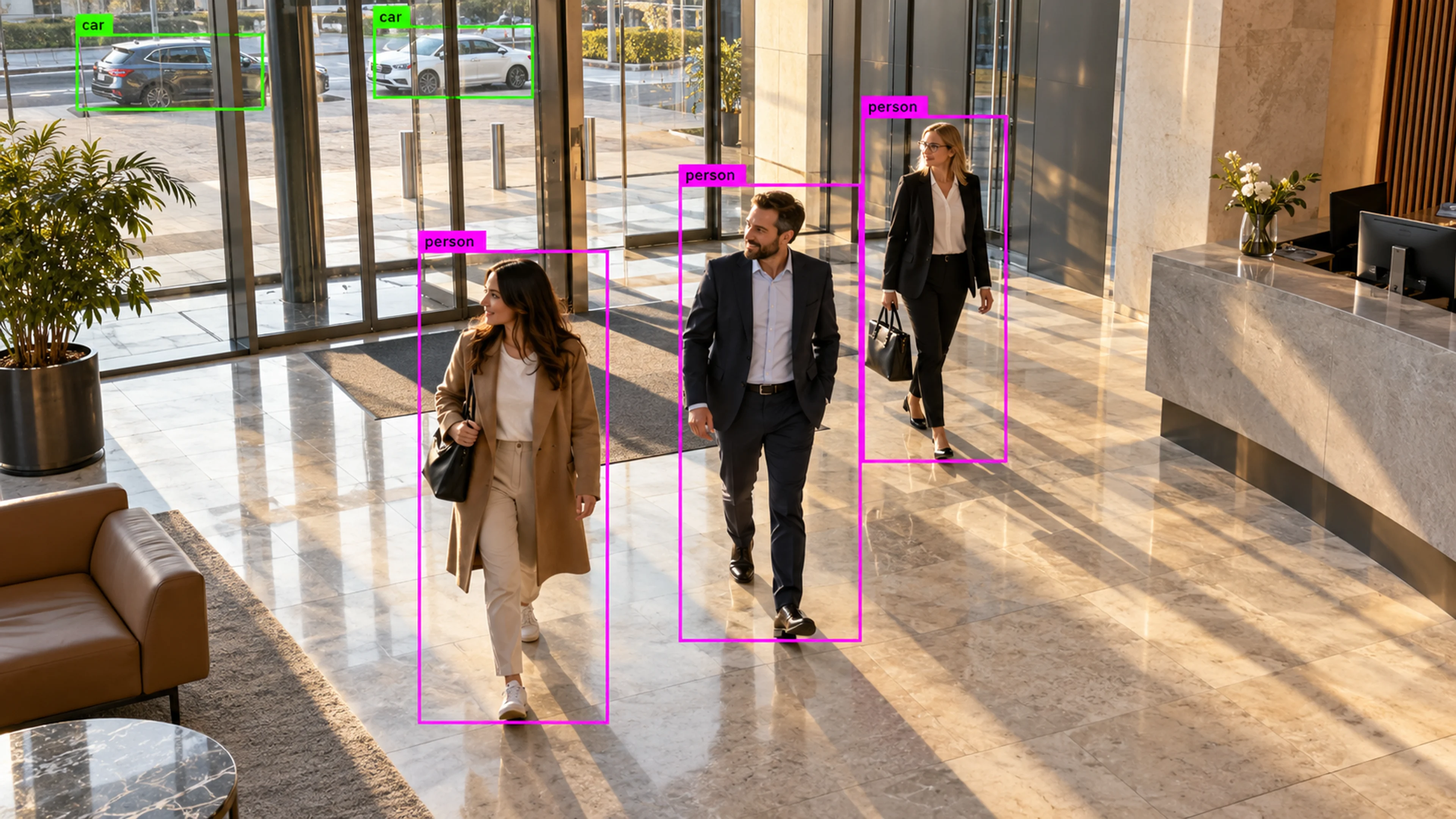
Paths through a lobby show where visitors pause and queue. The layout is adjusted, and dwell time in front of the desk drops in the following weeks.
Questions
Straight answers about how this is configured, what it needs and what it does not do.
Next step
Tell us about your sites and what you need to catch. We will walk through a setup that fits the way your operation runs.