

01
Movement after closing
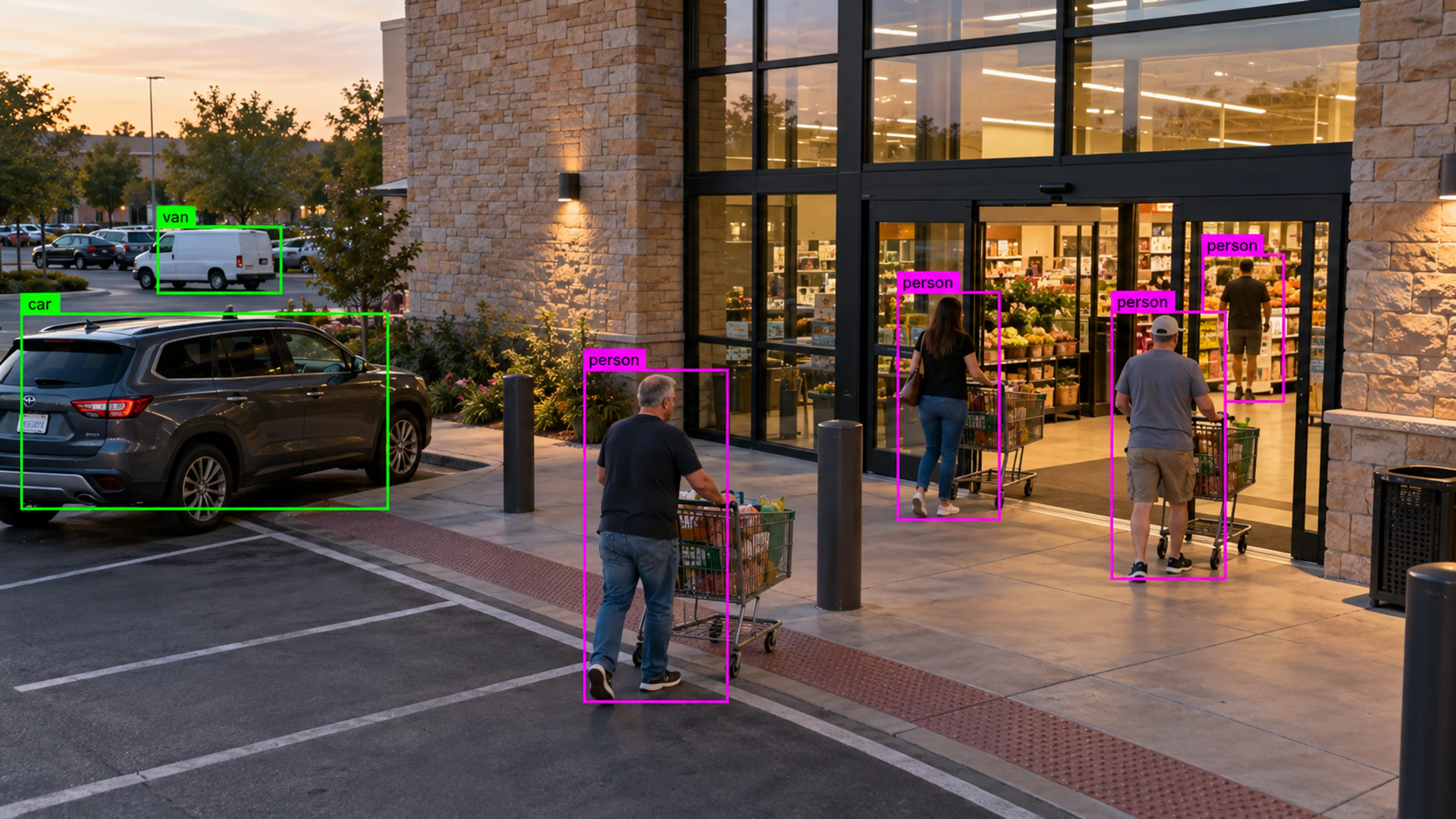
A person is detected in a retail stockroom two hours after close. The alert, with clip, goes to the on-call manager who confirms it is the cleaning contractor and closes the case.
Capability
Identify intrusion, after-hours activity, unauthorized access, perimeter events, and abandoned objects.
Security Monitoring
Illustrative environment · Multi-site operations
Overview
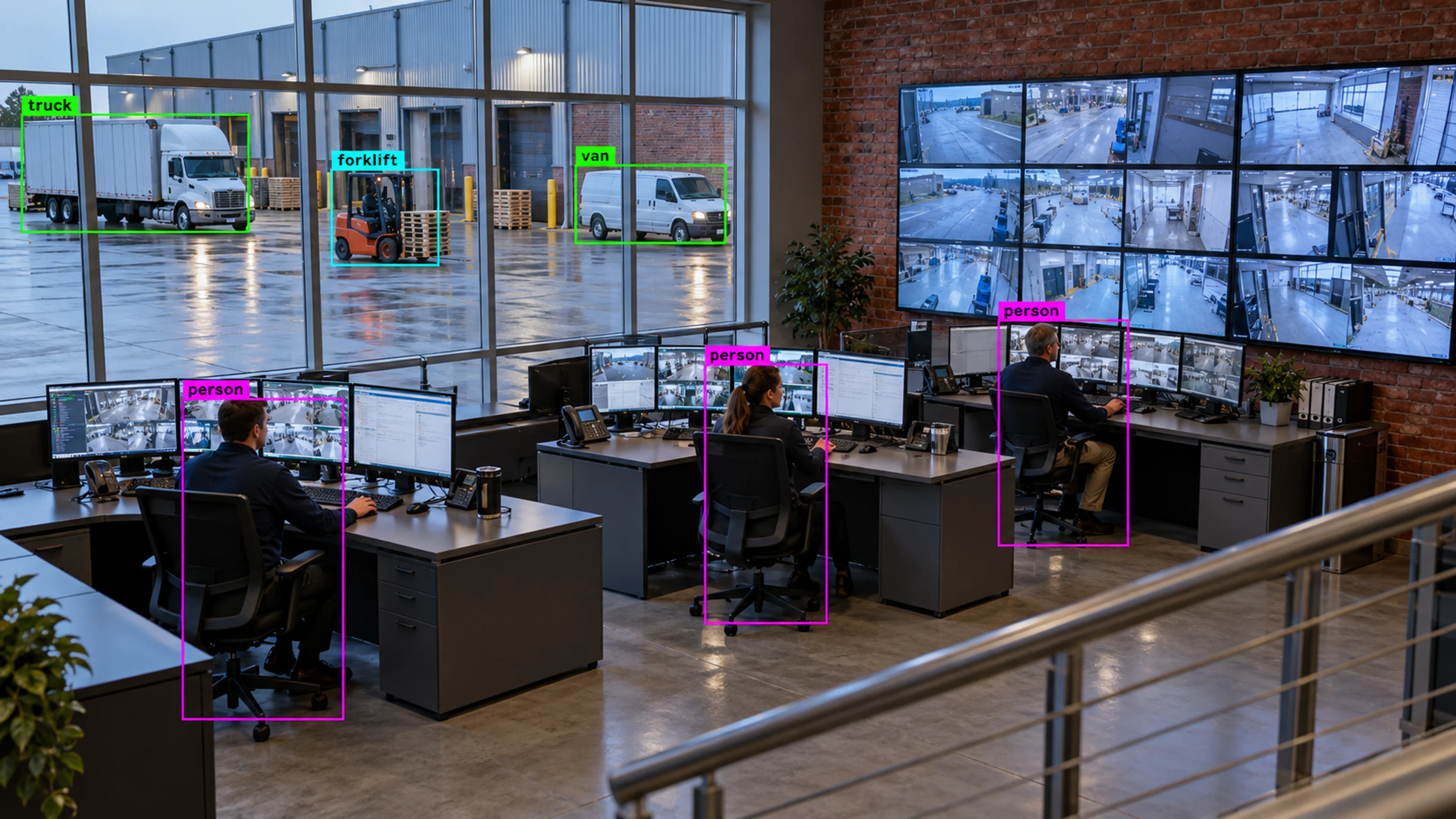
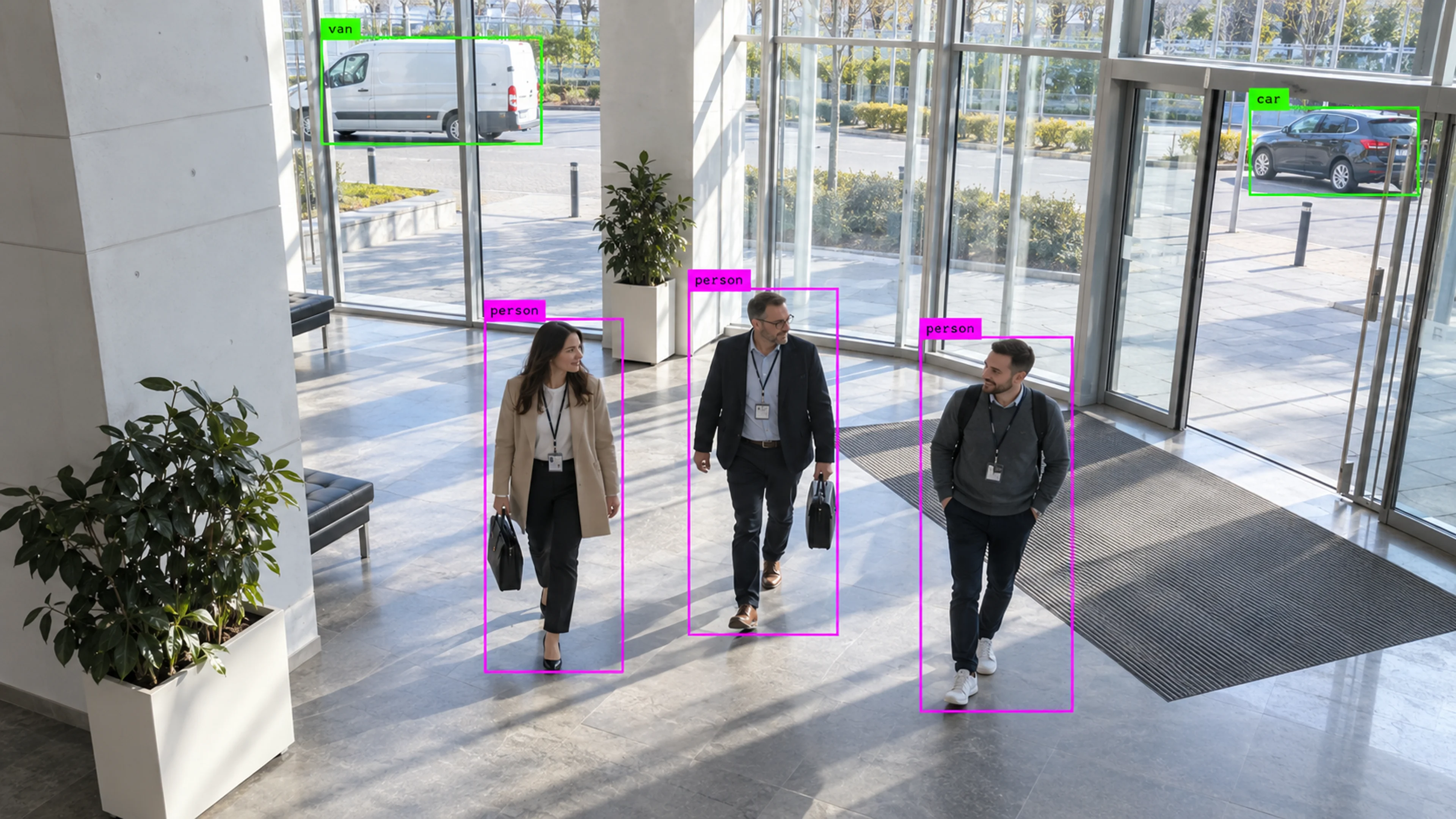
Security Monitoring applies Visrax detection and zones to the patterns security teams care about: movement after hours, activity along a perimeter, entry into areas that should be closed, and objects left where they should not be.
Instead of reviewing hours of overnight footage, the team receives alerts with evidence and reviews only the moments that matched a rule.
Most overnight footage is empty. Visrax finds the few minutes that are not.
What it does
Each part is configured around your cameras, zones and schedules — the same system, set up for the way your site runs.
Scheduled rules flag people and vehicles in areas that should be inactive outside working hours.
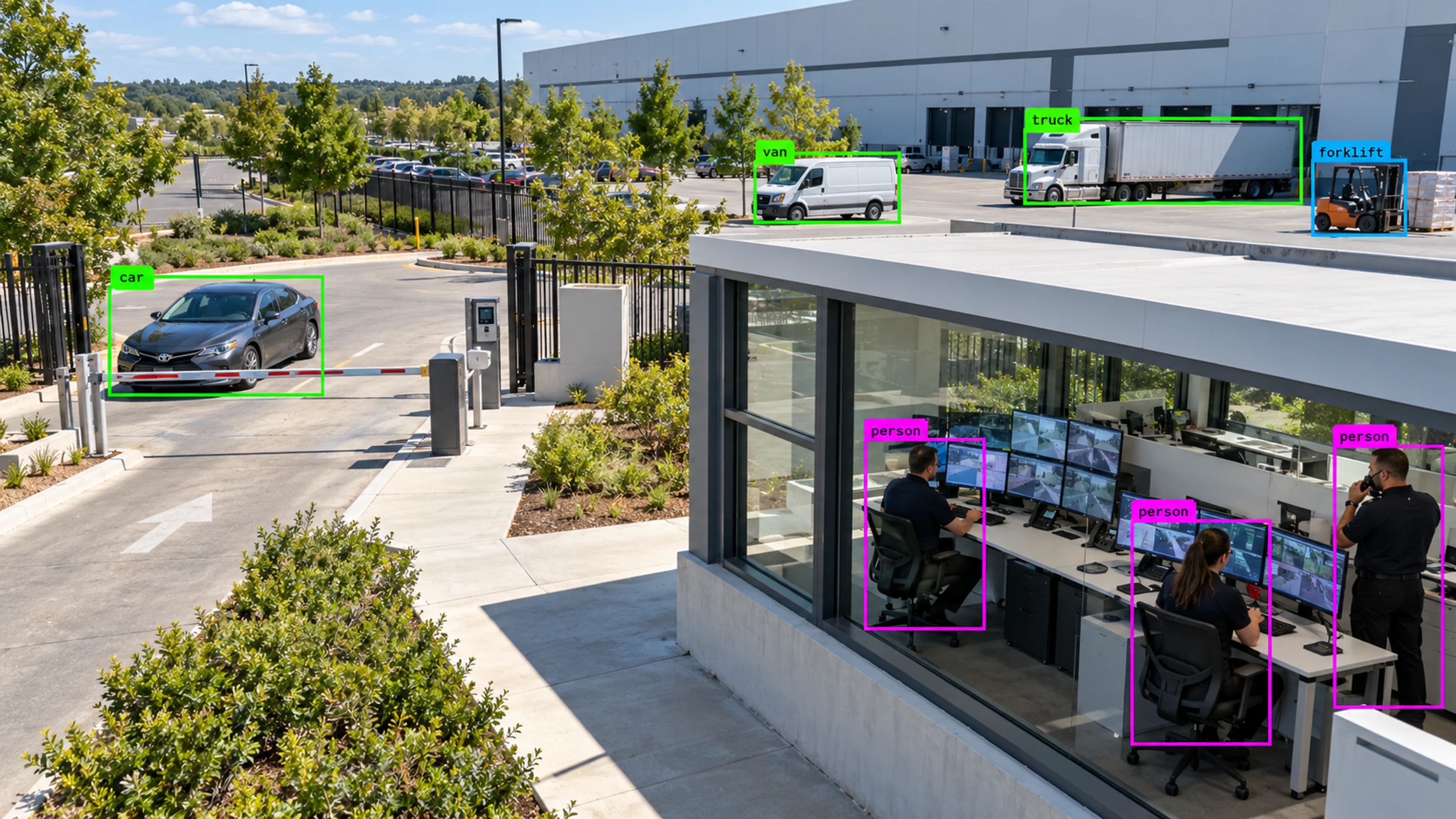
Zones along fences, gates and yard edges raise alerts on approach, crossing or dwell.
Restricted rooms and areas are monitored for entry outside expected patterns, with each event logged and reviewable.
Objects that appear and remain stationary in monitored zones are flagged for review.
In practice
A person is detected in a retail stockroom two hours after close. The alert, with clip, goes to the on-call manager who confirms it is the cleaning contractor and closes the case.
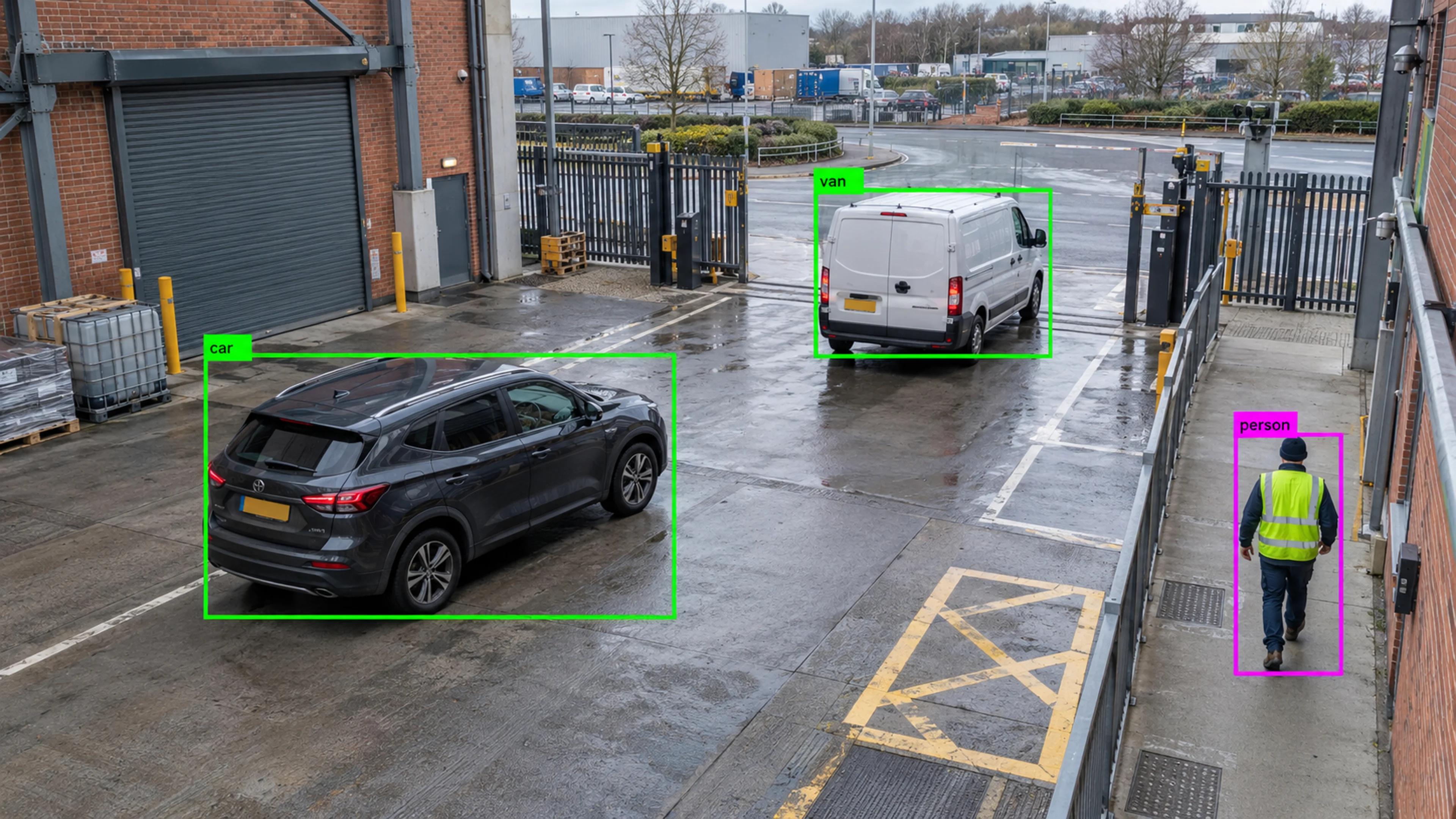
A vehicle dwells at a yard gate outside delivery hours. The perimeter rule raises an alert and the security team reviews the clip from the gate camera.
A server room zone registers an entry at the weekend. The incident is assigned to IT, matched to a change ticket and closed with the reference recorded.
Questions
Straight answers about how this is configured, what it needs and what it does not do.
Next step
Tell us about your sites and what you need to catch. We will walk through a setup that fits the way your operation runs.